Low WhatsApp Business number quality: what it means and how to recover
What your WhatsApp number's quality rating measures, why it drops, how it hits your sending limits, and why monitoring sent volume is the missing security layer.
 008 teamNovember 11, 20265 min read
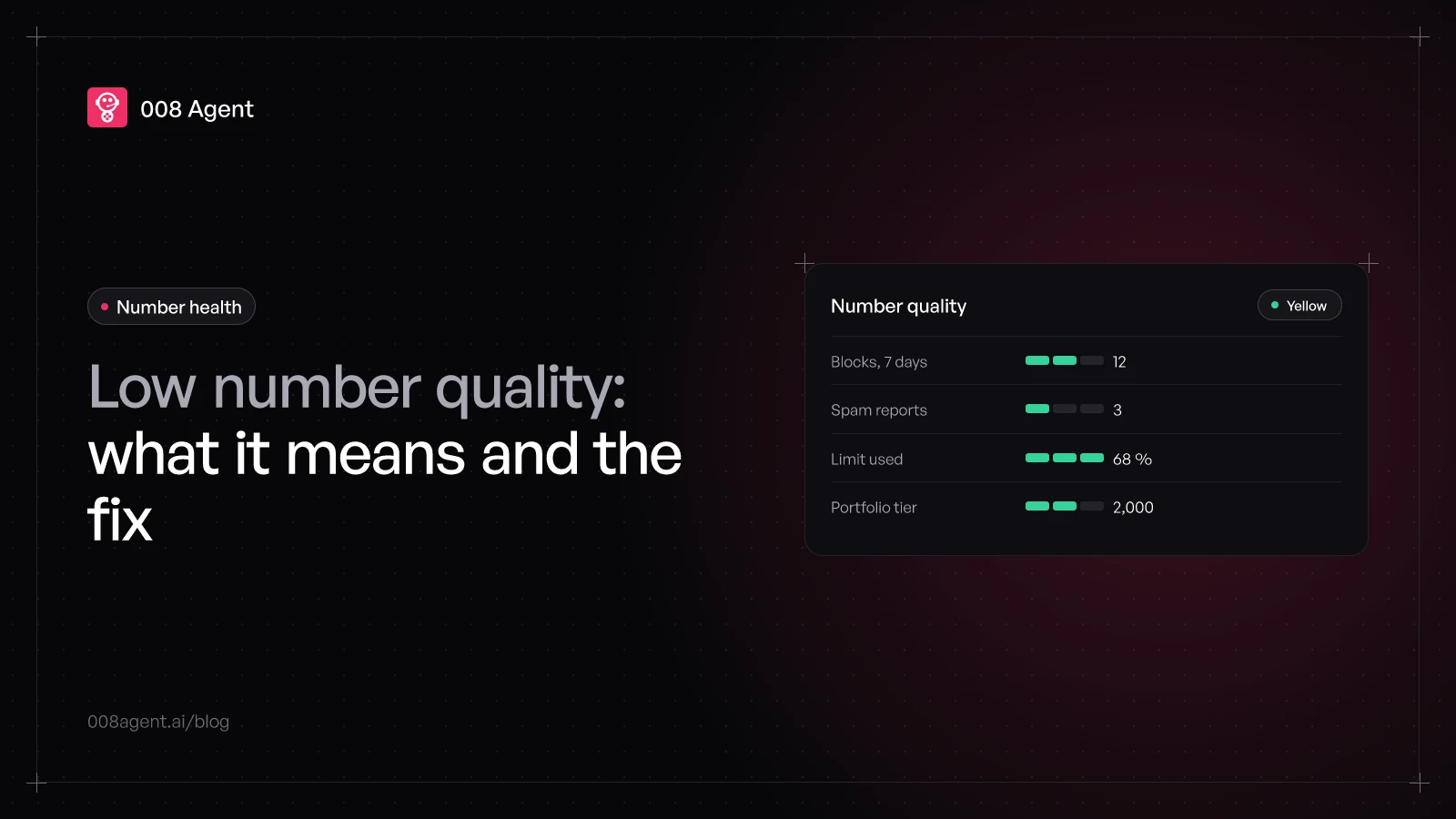
You open WhatsApp Manager and your number isn't green anymore: medium quality shows up, or worse, low. The usual panic is thinking the account is getting shut down. The reality is more concrete: the quality rating is a traffic light Meta computes from your customers' feedback over the last 7 days, and it decides how much you can grow —or whether you sit a tier lower for weeks.
This guide explains what that signal means exactly, what moves it, what happens to your limits when it drops, and why monitoring your sent-message volume is the security layer almost nobody has set up.
What Meta is measuring, exactly
Per Meta's official documentation, the rating is based on the messages your customers received over the last 7 days and their feedback: above all, blocks and reports. When someone blocks your number, WhatsApp asks them why, and those reasons are the best clue for what to fix:
"No longer needed": your message arrived fine, but it was surplus. Wrong frequency or timing.
"Didn't sign up": the audience never asked to hear from you. The classic cold-list signal.
"Spam": the content read as unwanted advertising.
"Offensive messages" or no reason: less frequent, but they count all the same.
Two details that matter: the rating is per phone number (every number in the portfolio has its own), and you can view the 30-day history in WhatsApp Manager, including each day's lowest score, to pinpoint which send moved it.
The part that hurts most: sending limits
Since October 7, 2025, the Flagged and Restricted statuses are gone, and messaging limits apply at the business-portfolio level, shared by all numbers: 250, 2,000, 10,000, 100,000 unique customers per day and finally unlimited. To move up a tier, Meta asks for two things at once: having used more than 50 % of your current limit in the last 7 days, and sustaining high-quality messaging across all your numbers and templates. When met, the upgrade lands within about 6 hours.
The reverse path is the painful one: if quality drops to red and stays there 7 consecutive days, the tier drops a level. An operation that reached 10,000 a day can wake up at 2,000 with the quarter's campaign at risk. And ordering extra numbers no longer helps: the limit belongs to the portfolio, not the number.
Why quality really drops
It's almost never one bad send; it's a pattern. The usual suspects:
Messaging first to people who never asked: "didn't sign up" piles up fast on cold lists.
High frequency with no value: three offers in one week to someone who never replied.
Low-quality templates: Meta also scores each template, and the ones generating blocks get disabled.
Raising volume overnight: jumping from 200 to 20,000 sends in days triggers blocks even on a good list.
If your case is volume, the bulk messages without getting blocked guide covers the signals before sending; if it's the database, see how to avoid getting your number blocked and, for large teams, blocking for enterprises. And check that your templates fall in the right category —a discount stuffed into a confirmation breeds blocks: utility vs marketing.
Volume monitoring as a security layer
The traffic light's flaw is that it's reactive: red arrives after the blocks, once the damage is already inside the 7-day window. The additional measure is watching what you do control —the volume of messages sent— before feedback collects on it.
That's how it works in 008 Engage: for high-volume senders, the platform queries the number's health and its limits from Meta live, and that reading governs sending. If quality goes yellow, the campaign's pace throttles down on its own; if it goes red, sending halts before aggravating the penalty. Rate caps are conservative by design, concurrent sending self-regulates, and every recipient is tracked. The result: the account protects itself while you sleep, which is exactly what a traffic light with 7 days of memory needs.
- AlwaysLive readingQuality and limits queried from Meta and cached
- YellowThrottled paceSending downshifts on its own, no intervention
- RedSending haltedThe campaign stops before aggravating the damage
- AfterGradual resumeConservative caps until you're back to green
How to get back to green, step by step
Pause the affected number's proactive sends and answer only what comes in.
Open the 30-day history and find the day the score fell: it almost always matches a specific campaign.
Fix the cause: clean the audience, lower the frequency, or rewrite the template that concentrated blocks.
Hold 7 days of clean feedback: the window renews itself and the light recovers.
Recover the lost tier by hitting 50 % usage again with high quality.
To send at volume without betting your number on a single campaign, create a free account or book a demo: health and volume monitoring is included.
Frequently asked questions
Is the quality rating for my company or my number?
The number's: each phone in the portfolio carries its own rating. What's shared since October 2025 is the sending limit, which belongs to the whole portfolio.
How long until I'm back to green?
The feedback window is 7 days: stop what generated blocks, the old days roll out of the calculation, and the light recovers in roughly a week.
Can I lose templates over low quality?
Templates carry their own score: the ones concentrating blocks can drop to low quality or be disabled by Meta. Rewriting them is part of the recovery.
Does hiring more numbers spread the risk?
As a limit, no: the cap is shared across the portfolio. As quality, each number has its own light — but adding numbers to dodge a red doesn't fix the cause.
What changed in October 2025?
The Flagged and Restricted number statuses disappeared, and the messaging limit moved to the portfolio level, shared by all its numbers.
You might also like
WhatsApp and n8n: automation for developers
Meta webhooks, the Cloud API node, the three traps that cost an afternoon, and when judgment should come from an agent with HTTP, catalog or MCP tools.
WhatsApp Zendesk integration: step-by-step guide and real cost
How to connect WhatsApp to Zendesk: Meta requirements, the official Admin Center flow, which plan includes it, common stumbles and the total 2026 cost.
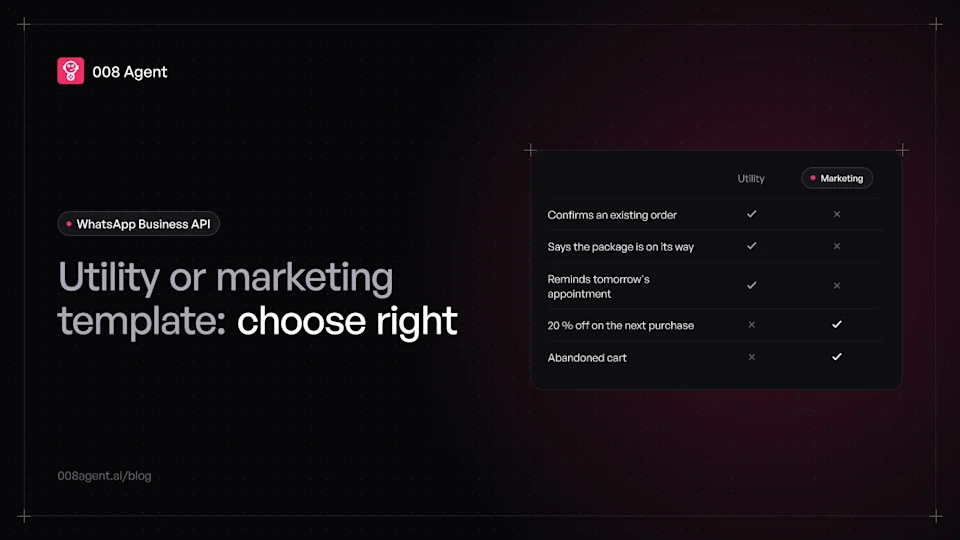
Utility vs marketing WhatsApp templates: which to use and when
The exact difference between utility and marketing WhatsApp templates, Meta's current rates, and how to pick the category in ten seconds.
Put an agent to the test.
Request a demo or talk to our agent on WhatsApp right now.