

How to Avoid Getting Your WhatsApp Number Blocked (2026)
October 19, 2026
Getting your WhatsApp number blocked is every business's number one fear on the channel, and for good reason: you lose the contact, the history, and sometimes the ability to ever use that number again. The good news is almost every block is avoidable with concrete rules. This guide is the full plan, built for teams on the App or the API.
Why Meta blocks numbers
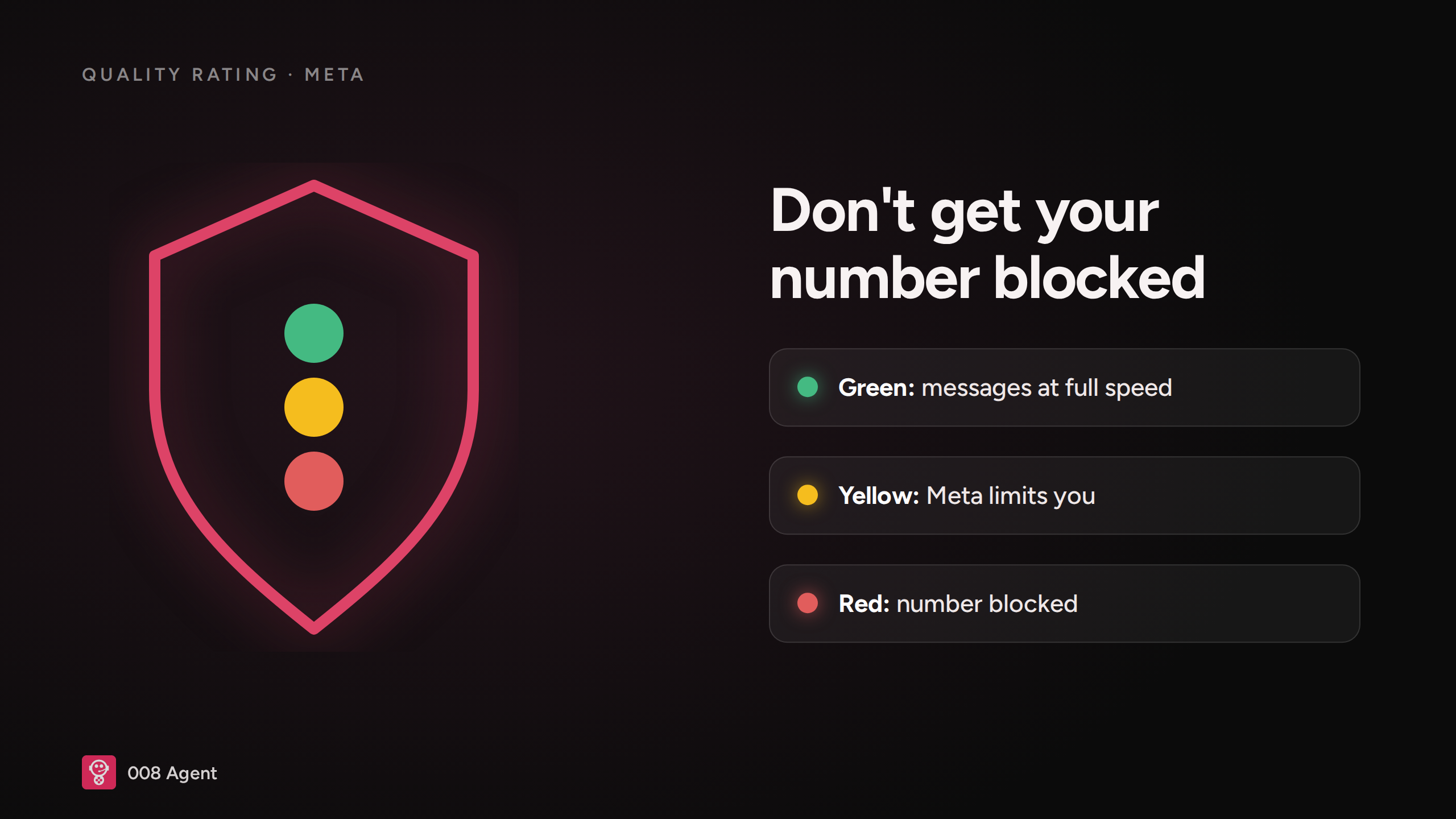
WhatsApp doesn't read your messages: it watches signals. The three that weigh most are how many people block you, how many report you as spam, and sending patterns that look like a spammer's (mass bursts to strangers, odd hours, links). Your number accumulates those signals as a quality rating — the traffic light that decides your throughput:
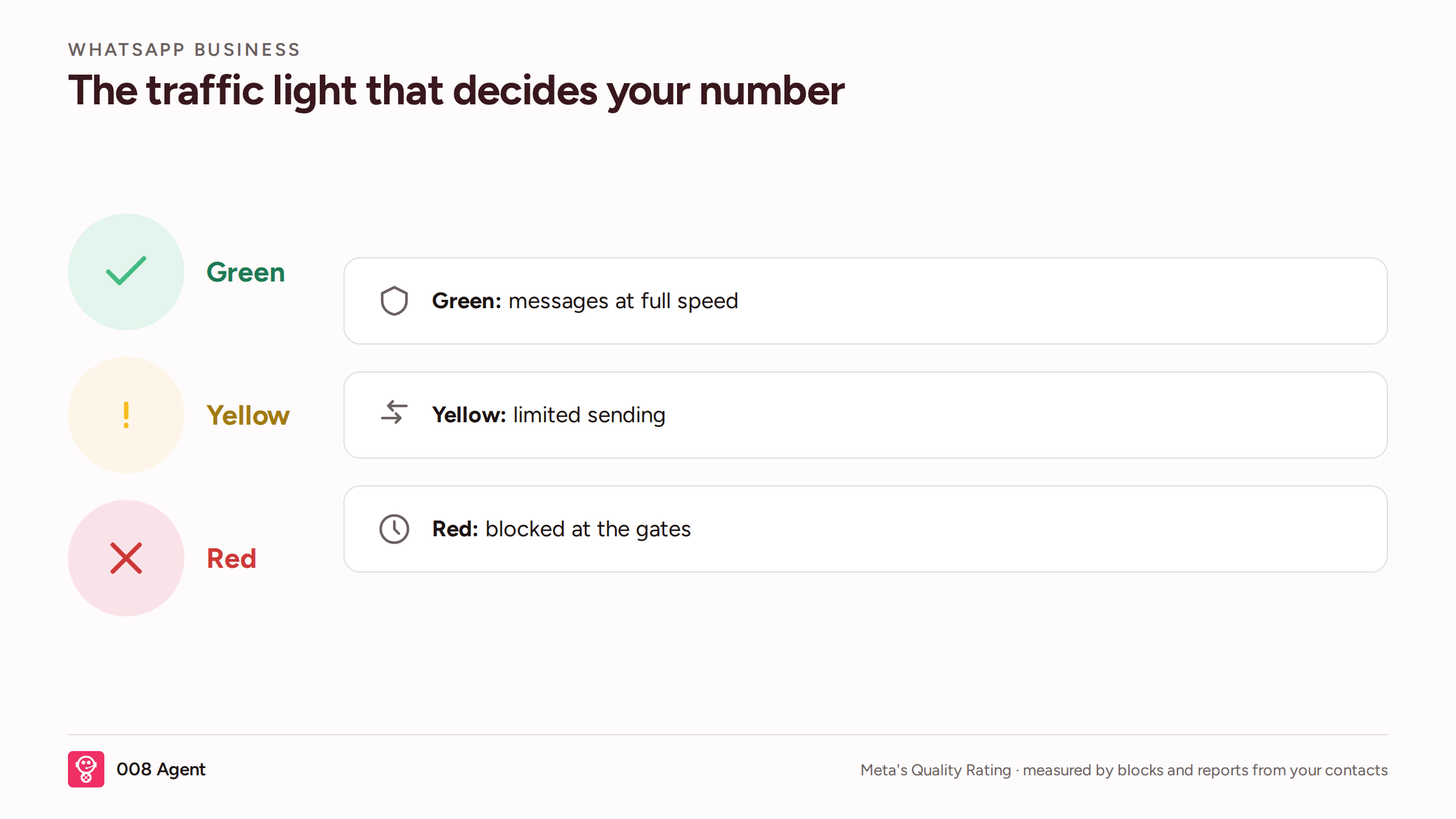
The quality rating is computed from blocks and reports by your own contacts. Green, business as usual; yellow, Meta throttles your sends; red, the gates close.
The six rules that prevent 95% of blocks
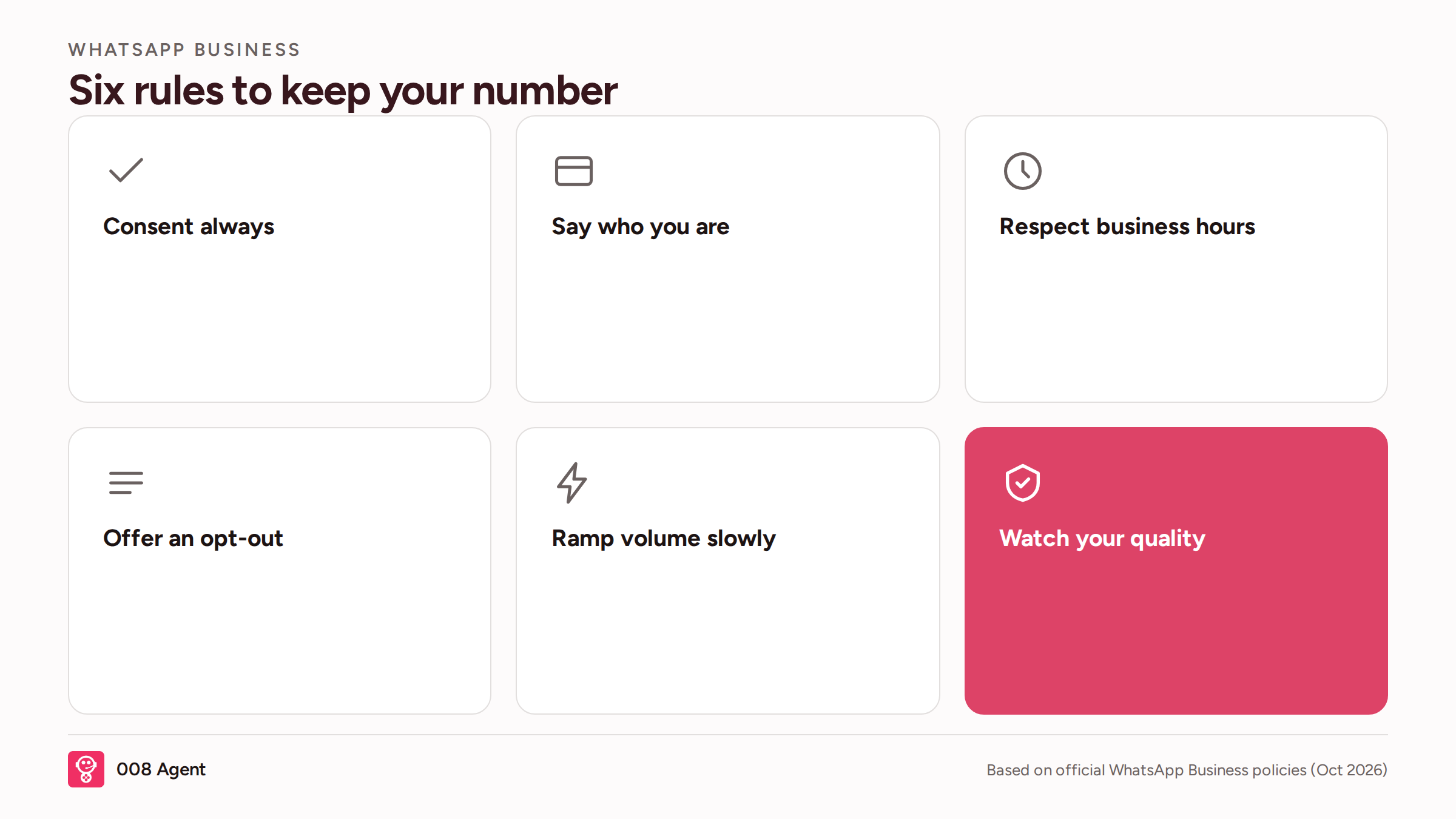
Broken down one by one:
Consent, always:
Nobody should get your first message without asking for it. Bought databases, scraped numbers, importing contacts out of nowhere: the fast lane to a block and, in many countries, a legal problem too.
Identify yourself:
Who you are and why you're writing, in the first message. "It's Ana from the store where you placed your order" turns a cold message into an expected one.
Respect business hours:
Sending at 3 a.m. spikes blocks. Define the time window for your contact's country and stay inside it.
Offer a way out:
A working "reply STOP to unsubscribe" cuts reports: people who don't want to follow you have a clean exit and don't need to block you.
Ramp volume slowly:
A new number sending thousands of messages on day one screams spam. API quality tiers raise your cap as you prove good behavior.
Watch your quality weekly:
Check your number's status every week. At yellow, pause campaigns and clean lists before red; from red, recovery is slow.
App blocks vs API blocks
App | API (Platform) | |
Typical cause | Bursts from a phone, bought lists | Bad opt-in, rejected templates, template spam |
Early warning | Almost none | Quality rating and tiers drop first |
Recovery | Manual appeal, days or weeks | Fix the cause + appeal, provider tracking |
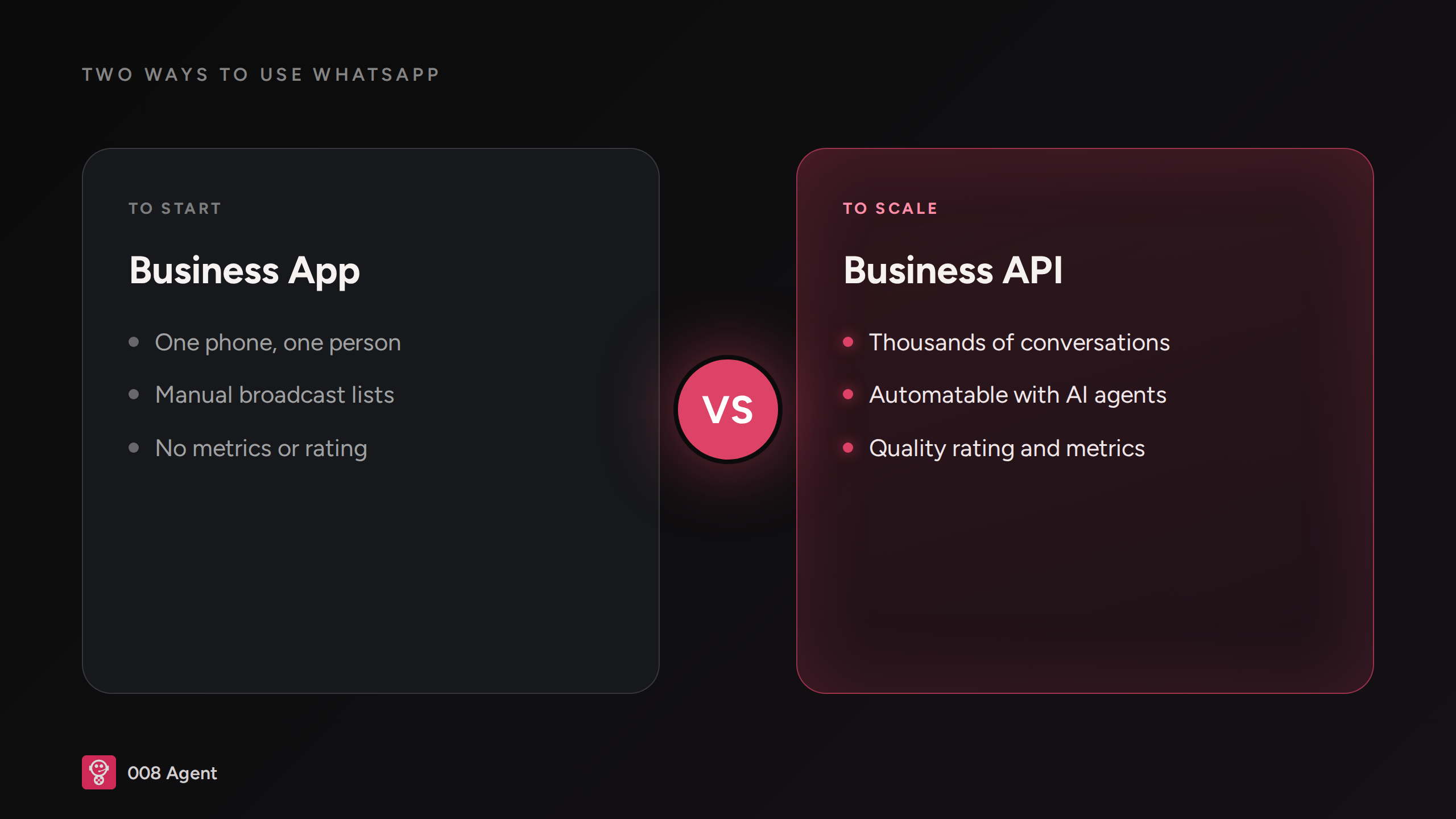
On the App the block arrives unannounced because there's no quality dashboard; on the API, the traffic light gives you room to react. One more reason to run the number on the Platform instead of a loose phone.
What to do if you're already blocked
Stop all sends immediately: pushing harder makes it worse.
Find the likely cause (bought list, hours, volume) and document it.
Appeal from the app itself (WhatsApp Business support) explaining your opt-in process.
If the appeal fails, register a new number on the API and start clean: real opt-in and gradual volume.
Frequently asked questions
Can I recover a blocked number?
Sometimes. If the cause was a bought list and you can prove real opt-in, the appeal usually succeeds. If the number was brand new and blew up volume on day one, you'll almost always start over with a new one — gradually this time.
Can an AI agent cause blocks?
Only if you set it up badly: pushing people who don't reply or messaging contacts without opt-in. Configured well — retry limits and sending windows — it does the opposite: replies fast, closes conversations, and keeps your rating high.
How fast can I ramp up sends?
There's no magic number: the rule of thumb is never double volume from one day to the next and keep your block rate below 1%. If your quality rating is green and contacts reply, keep growing without fearing the traffic light.
Prevention is half the job; the other half is how you respond once the customer writes in. That's where a well-configured agent protects the number: it replies fast and well, doesn't push people who don't answer, and halts campaigns if your quality drops. You can create your first agent free or book a demo. And to build the whole operation the right way, our WhatsApp AI agents guide covers the rest.
Written by

008 Agent
The best AI Agent
Tags
AI Agents
¡Suscríbete a nuestra NL!
By submitting, you agree to receive emails from 008. Check our privacy policy for details. Read policies.
You might also like...

How to Automate WhatsApp Sales: The Full Playbook (2026)
October 19, 2026
WhatsApp Business API vs WhatsApp Business App: Which One Do You Need? (2026)
October 16, 2026
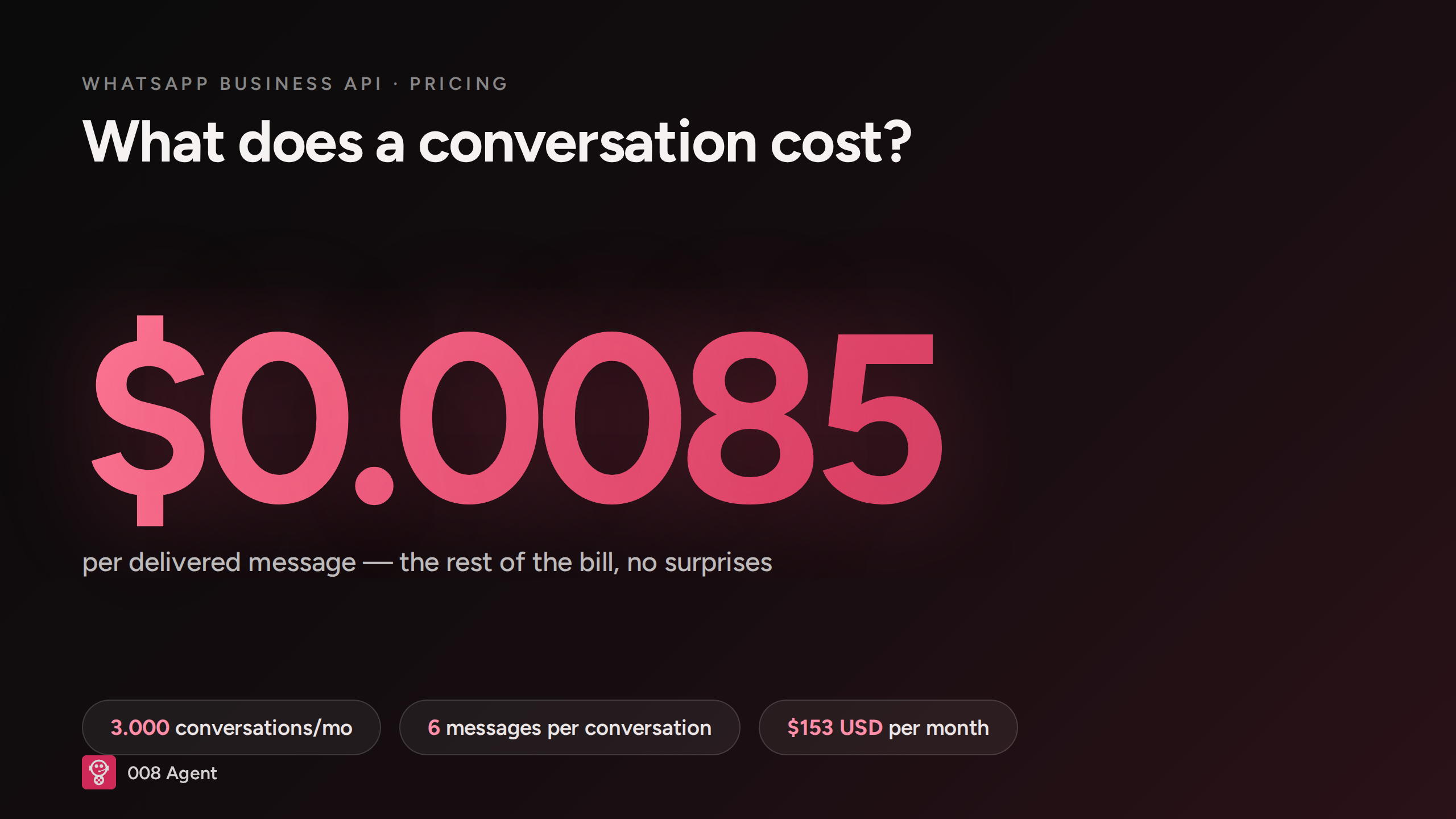
WhatsApp AI Agent and the Price per Conversation (2026)
October 14, 2026
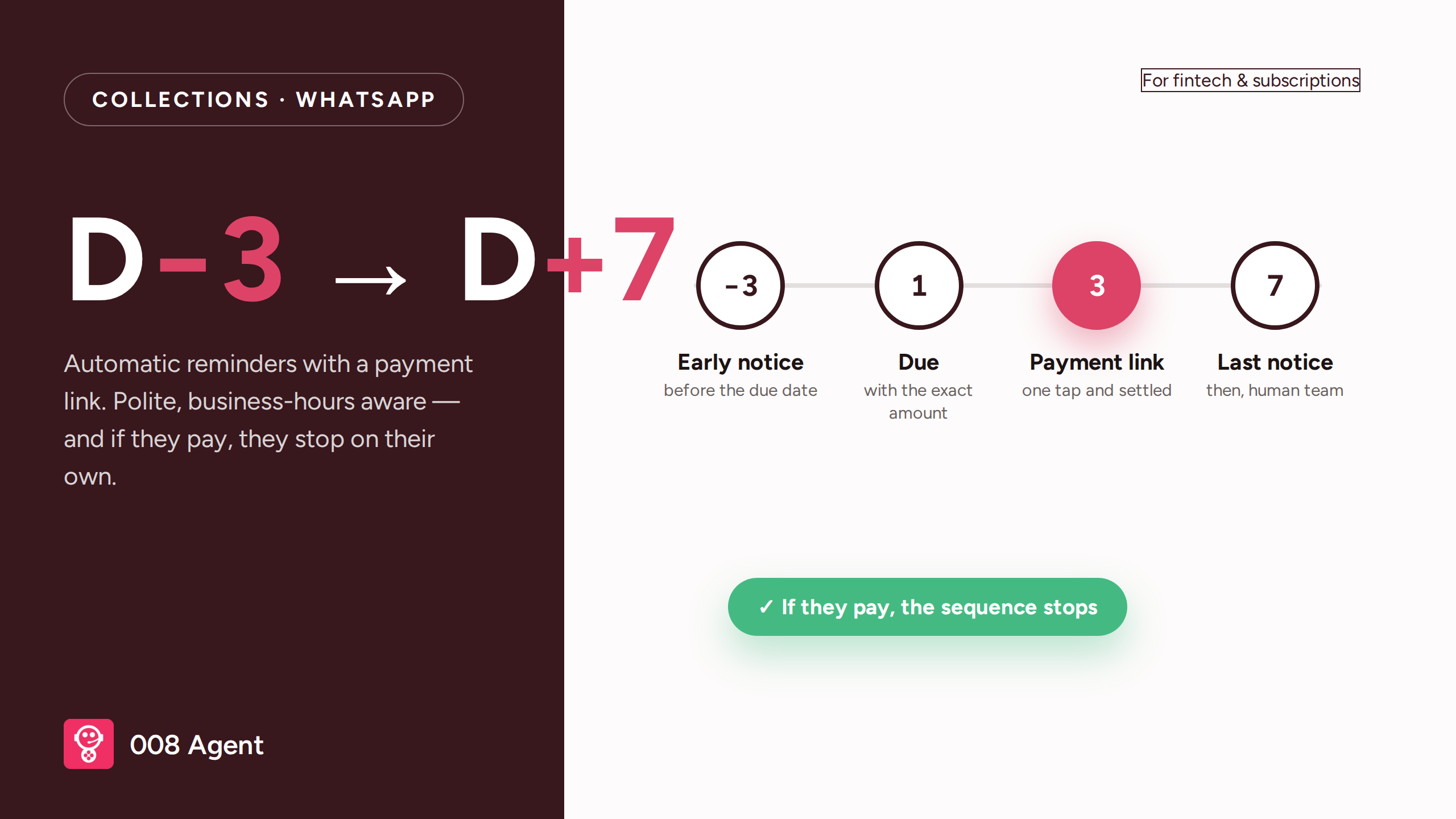
Automated Debt Collection on WhatsApp: Reminder Sequences for Fintech
October 12, 2026