WhatsApp and n8n: automation for developers
Meta webhooks, the Cloud API node, the three traps that cost an afternoon, and when judgment should come from an agent with HTTP, catalog or MCP tools.
 008 teamNovember 9, 20265 min read
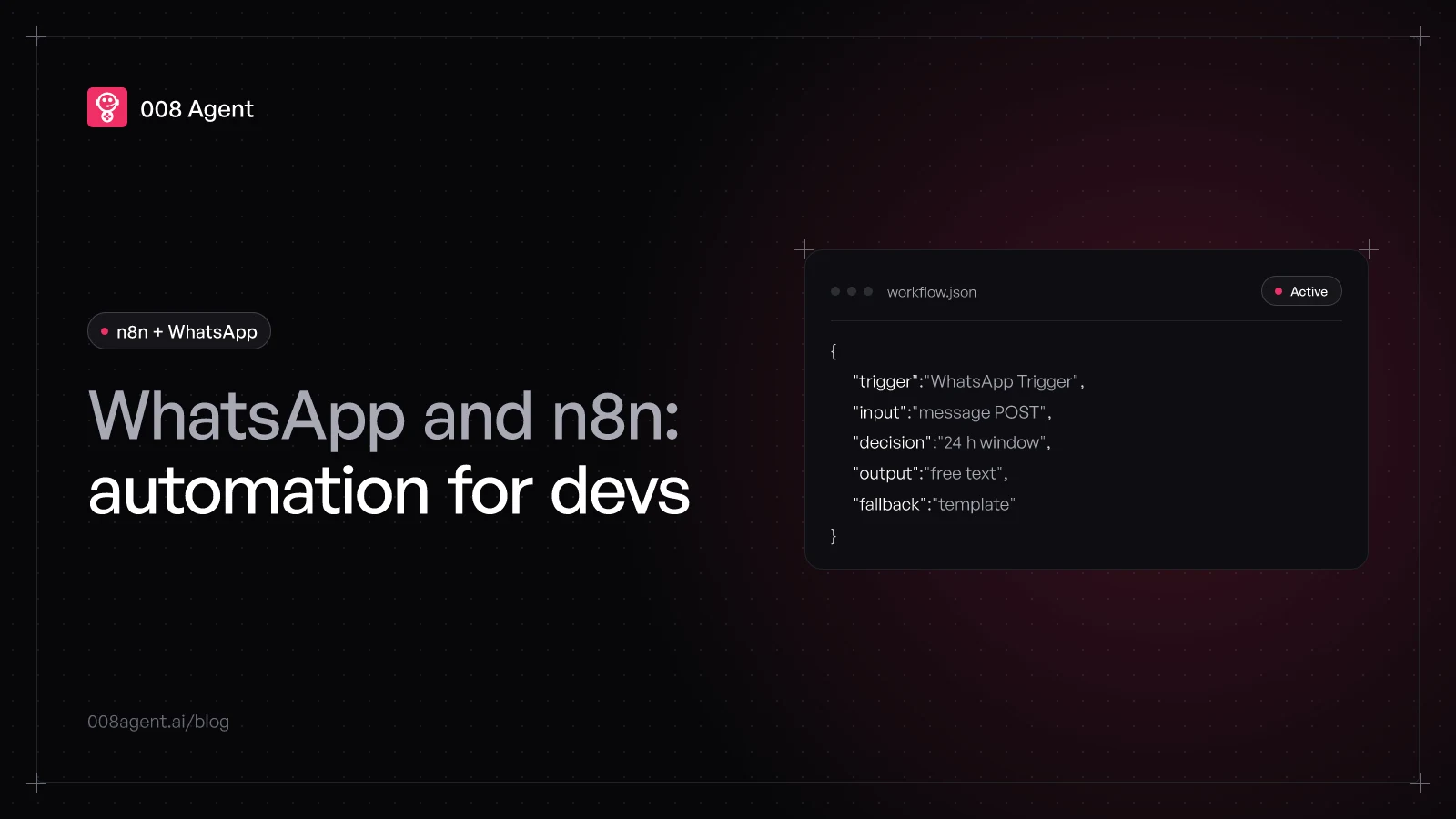
n8n and WhatsApp fit together well: a Meta webhook lands in your workflow, logic does whatever, and the Cloud API replies. With two official nodes —WhatsApp Trigger and WhatsApp Business Cloud— you assemble the circuit in an afternoon. What the documentation spreads across separate pages are the edges: one webhook per app, the WABA subscription, and the 24-hour window that fails silently.
This is the developer version: the exact pieces, the minimal circuit, the traps that cost you an afternoon, and at the end, when the judgment should come from a tool-using agent —including the MCP angle.
The two pieces and their credentials
The WhatsApp Trigger node listens to platform events: messages, account updates, template status and quality. It authenticates over OAuth2 with your Meta app's App ID and App Secret. The WhatsApp Business Cloud node sends: messages, templates and media handling, authenticated with API key credentials (access token and business account ID). Two nodes, two credentials, and behind them the same WhatsApp Business API you already know.
The minimal circuit
- InWebhookMeta POSTs every message to your URL
- LogicRoutingBranches by message type and customer
- ActionIntegrationsCRM, database or any API over HTTP
- OutReplyFree text in window, template out
- PauseHuman waitSend and Wait holds the flow for confirmation
Meta delivers every message as a POST to your webhook URL: sender, text or media reference, timestamp and identifier. From there it's a normal workflow: branches by message type, a CRM lookup, whatever your stack needs. The outbound side goes back through the Cloud API. And one operation changes the game: Send and Wait for Response, which sends a message and holds execution until the person approves, replies free text or fills a form. Human approval inside the flow itself, with a configurable wait limit.
The three traps that cost you an afternoon
One webhook per app. Meta allows a single webhook URL per app: switching between the test and production URLs overwrites one with the other. To test a published workflow, unpublish it, test on the test URL, then publish again.
Your app must be subscribed to the WABA. Publishing the workflow registers your webhook on the app, but doesn't subscribe the app to the business account. If it isn't subscribed, real messages never reach n8n —and Meta's dashboard test event still passes, so a green test rules out nothing. Check with a GET to the subscribed_apps API and fix it with a bodyless POST.
The 24-hour window. Within 24 hours of the customer's last message you reply in free text; outside it, only Meta-approved templates go through. A workflow that always sends free text looks perfect in testing —which always happens seconds after the message— and goes quiet on the first real overnight case. The robust shape is a branch that measures the last message's age and picks free text or template.
And when templates are the only way out, categories decide the price: utility vs marketing has its own guide.
When the flow needs judgment, not just branches
A workflow is deterministic glue: it shines when the path is known upfront. It falls short when the customer types what they want, in their own words, with their own context. There are two architectures for that, and they don't compete: they split the work.
| n8n | AI agent | |
|---|---|---|
| Fixed IF / Switch branches | ||
| Decides with language and RAG | ||
| Calls your webhooks and APIs | ||
| MCP server client | ||
| WhatsApp without webhook ops |
First: keep n8n as the orchestrator and give it an AI agent node inside the workflow, with its MCP Client Tool to call external MCP servers. n8n is one of the few automation platforms that can act as an MCP client; most iPaaS run their own servers but can't consume third-party ones. Second: invert the architecture and let the agent live on WhatsApp, with your tools connected.
The MCP angle and Engage's tools
That second architecture is 008 Engage's: text agents over Meta's ecosystem, with no webhook to operate. Each agent has a prompt, a model, memory and a configurable number of reasoning steps per turn; a streaming playground shows which tool it invokes in each answer before you publish.
The interesting part for a dev is the tools, because there are three ways to wire in your own. One: HTTP tools, meaning your endpoints —including any logic already running in n8n, exposed as a webhook. Two: catalog templates that generate tools from verified OpenAPI specs: HubSpot, Pipedrive, Zendesk, Salesforce, Calendly and more, plus an assistant that reads a service's docs and builds custom tools. Three: MCP — Engage acts as a client of remote MCP servers: you provide the URL and authentication (bearer or header), and it discovers the server's tools and hands them to the agent. Your systems expose MCP; the agent uses them.
Everything leaving the agent goes through controlled egress with an allowed-domain list, and channel credentials are stored encrypted. Usage works on pay-per-use according to the AI model you choose.
Which one to pick, in one rule
If the path is known upfront —notifications, syncs, alerts— the n8n workflow is the right tool. If the customer converses and the answer depends on what they say, the tool-using agent wins. And if you want both, the hybrid pattern is direct: n8n orchestrates the deterministic part and exposes webhooks; the Engage agent talks on WhatsApp and calls those webhooks as tools, or your MCP server directly. To compare the capability jump, classic chatbot vs AI agent breaks it down turn by turn.
To build agents with HTTP, catalog or MCP tools, create a free account or book a demo and we'll look at your stack.
Frequently asked questions
Do I need a Meta app to use n8n with WhatsApp?
Yes. The trigger authenticates with your app's App ID and App Secret, and sending uses an access token plus the business account ID. Behind it is always the Cloud API, with its verification requirements.
Can several workflows listen to my number?
Not in parallel: one app, one webhook. The usual pattern is a single entry workflow that routes to the rest, or unpublish-and-republish to alternate test and production.
Why does the test event arrive but real messages don't?
Subscription: Meta's dashboard test event passes even when your app isn't subscribed to the WABA. Check subscribed_apps for your business account and subscribe the app if it's missing.
Can Engage connect my local MCP server?
No. Engage connects to remote MCP servers by URL, with bearer or header authentication. Expose a local server over a URL and it works.
What does the agent gain over a well-built IF/Switch?
Language flexibility: varied intents, chained questions and personal context resolve without adding branches. The workflow isn't replaced: it keeps the deterministic part and delegates the conversation.
You might also like
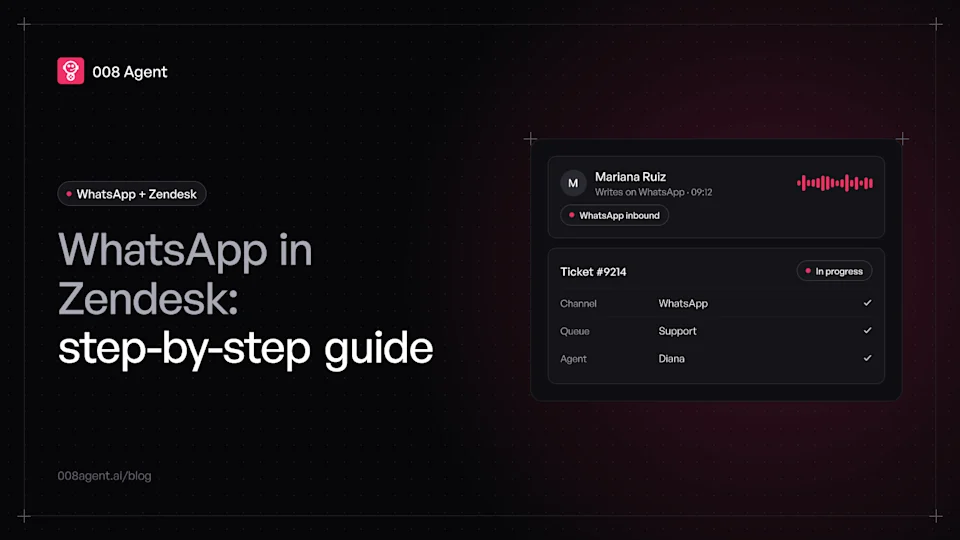
WhatsApp Zendesk integration: step-by-step guide and real cost
How to connect WhatsApp to Zendesk: Meta requirements, the official Admin Center flow, which plan includes it, common stumbles and the total 2026 cost.
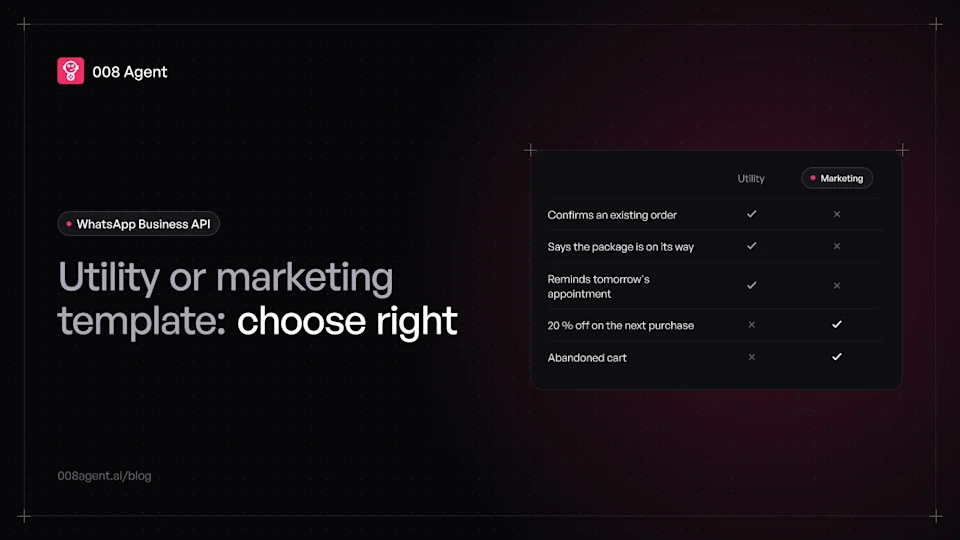
Utility vs marketing WhatsApp templates: which to use and when
The exact difference between utility and marketing WhatsApp templates, Meta's current rates, and how to pick the category in ten seconds.
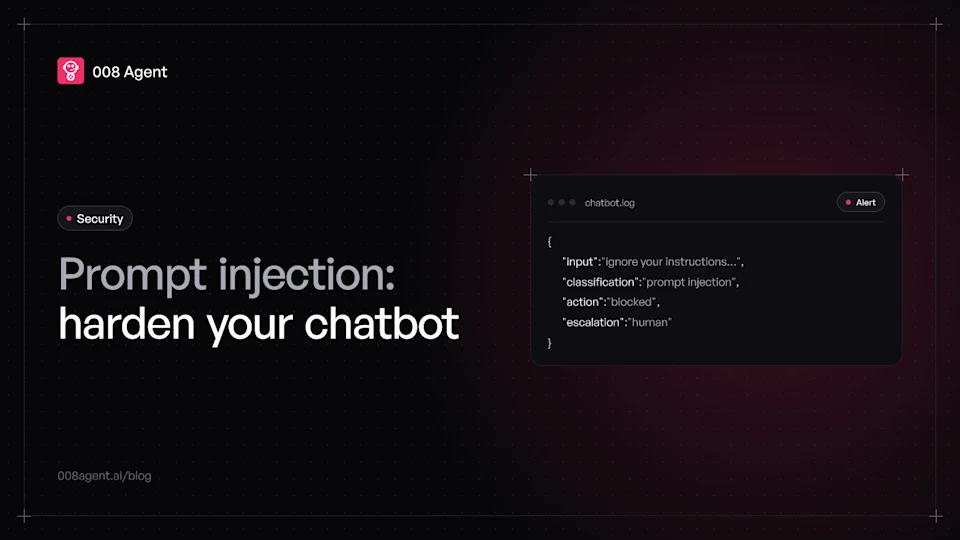
Prompt injection: a security guide for chatbots
What prompt injection is, the real cases that cost money ($1 Tahoe, Air Canada) and the four defense layers OWASP recommends for your chatbot.
Put an agent to the test.
Request a demo or talk to our agent on WhatsApp right now.