WhatsApp Zoho CRM integration: step-by-step guide and real cost
How to connect WhatsApp to Zoho CRM: Meta requirements, the official Business Messaging flow, which plan includes it, the credit cost and the real limits in 2026.
 008 teamNovember 17, 20264 min read
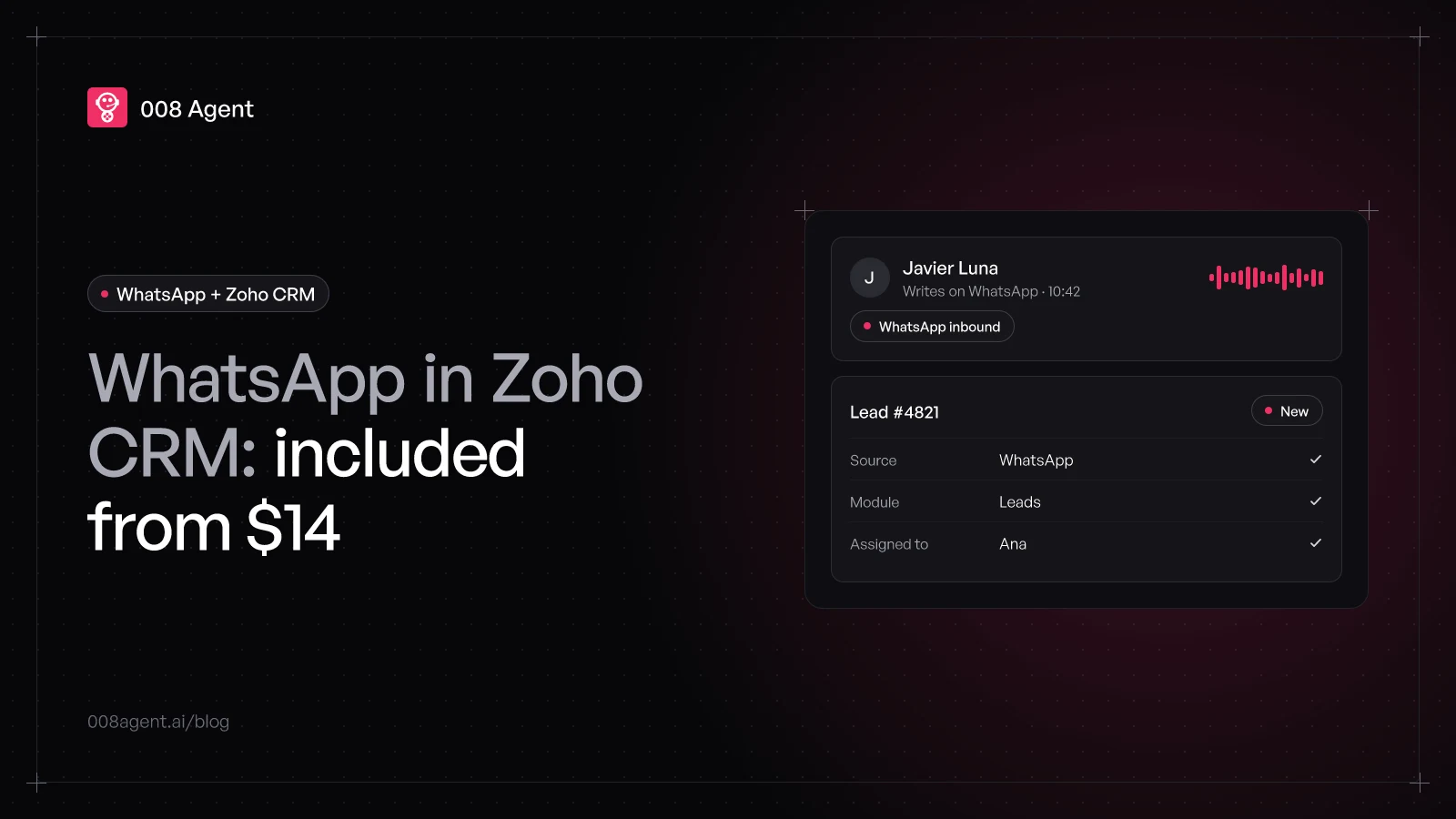
Among the big CRM suites, Zoho puts the fewest doors in front of WhatsApp: the official integration ships in the trial and every paid plan, with no edition jumps. What it does have are conditions the pricing page doesn't mention: a clean number, Meta-approved templates, and messages billed through credits bought inside the CRM.
This guide pulls together the official flow, the exact requirements and the real 2026 cost, so the integration doesn't stall on the part Zoho doesn't tell you about: Meta.
What you need before touching Zoho
Zoho's official help lists four prerequisites, all of them on Meta's side:
A Meta Business Manager account, with the business verified.
A WhatsApp Business account inside your portfolio.
A number registered for the WhatsApp Business API, able to receive the verification code.
A number not in use on another product: Zoho won't take occupied numbers, though migrating an existing one is supported.
Only a CRM administrator can start the integration. And decide beforehand which system owns the contact: the connected number stays tied to that Zoho service, and sharing it with Zoho Desk or another app in the suite requires a bundle like Zoho One or Zoho CRM Plus.
Which plan includes WhatsApp
Here Zoho wins by a mile: the integration is available in the free trial and all paid editions, per its official help. No plan upgrade unlocks messaging; Standard at 14 USD per user per month (annual billing, public pricing as of November 2026) already includes it, and so do Professional (23 USD), Enterprise (40 USD) and Ultimate (52 USD).
What the subscription doesn't cover is the messages. Business sends are billed with credits you buy inside the CRM, whose price Zoho's help doesn't publish; under those credits run Meta's per-message rates, the same for everyone. In the per-message pricing guide we break down how it adds up.
The integration step by step
With prerequisites in place, the official flow is this:
- Step 1Meta Business ManagerOwn account, verified business and a WhatsApp Business account
- Step 2Business MessagingUnder Setup › Channels, open WhatsApp and click Integrate
- Step 3Number and accountSign in with Meta, pick number, portfolio and WhatsApp Business account
- Step 4Module and mappingUnknown senders: Leads, Contacts or custom modules, with field mapping and assignment
- Step 5Channel liveChats land in the Messages module; outside the window, approved templates
In words: under Setup, open Channels › Business Messaging, go into WhatsApp and click Integrate. Accept the terms, sign in with your Meta account, grant Zoho permission, pick the number, portfolio and WhatsApp Business account. Before saving, you configure what happens when an unknown number writes in: which module it lands on (Leads, Contacts or a custom one), how WhatsApp fields map to module fields, and who owns the new record.
That last step is the gem of this integration: a stranger's message becomes a complete lead on its own, with source and owner. If you use custom modules, you can enable WhatsApp for them too, with their own mapping and assignment rules.
The limits you will feel
Outside the 24-hour window you can only send templates, and each one needs Meta's approval when created.
Inside the window you reply freely, but the clock runs from the customer's last message.
Messages burn Zoho credits whose price isn't published; the real cost shows up on the first invoice.
One number per Zoho service: the same WhatsApp on CRM and Desk calls for a bundle.
Giving it muscle with an AI agent
Once the channel is in, every WhatsApp creates its record and someone has to answer it. The integration ships quick replies and notifications, but volume is what automation solves: an AI agent that replies on the spot, qualifies the contact and keeps the Zoho lead updated without anyone copying by hand.
At 008, the Zoho CRM connector comes pre-built: the agent conversations run on WhatsApp and sync contacts, notes and statuses both ways, with deduplication on write. If your stack is helpdesk-shaped, our sister guide on integrating WhatsApp with Zendesk covers that path; to compare approaches, WhatsApp chatbot vs AI agent breaks it down message by message.
To see it on your own flow, create a free account or book a demo.
Frequently asked questions
Can I use WhatsApp on Zoho CRM's free edition?
No. The Free edition for up to three users doesn't include it; the integration lives in the trial and the paid plans, from Standard at 14 USD per user per month.
How much do messages cost?
Two layers: Meta's per-message rates (by category and country) and the Zoho credits that cover them, bought inside the CRM. Zoho doesn't publish the credit price in its help.
Can I use the number I already have on the WhatsApp Business app?
Not at the same time. Zoho requires a number not in use on another product; migrating an existing one is supported, but during migration it stops working at the origin.
Can I connect several numbers?
Yes. Add multiple WhatsApp Business accounts, each with several numbers, useful to separate regions or departments. Assignment rules decide who handles each conversation.
Does it work with custom modules, not just Leads and Contacts?
Yes. You can enable messaging for any custom module, map WhatsApp fields to your own, and assign records by rule.
You might also like
Low WhatsApp Business number quality: what it means and how to recover
What your WhatsApp number's quality rating measures, why it drops, how it hits your sending limits, and why monitoring sent volume is the missing security layer.
WhatsApp and n8n: automation for developers
Meta webhooks, the Cloud API node, the three traps that cost an afternoon, and when judgment should come from an agent with HTTP, catalog or MCP tools.
WhatsApp Zendesk integration: step-by-step guide and real cost
How to connect WhatsApp to Zendesk: Meta requirements, the official Admin Center flow, which plan includes it, common stumbles and the total 2026 cost.
Put an agent to the test.
Request a demo or talk to our agent on WhatsApp right now.