WhatsApp Business API vs WhatsApp Business App: Which One Do You Need? (2026)
Same name, different products: the free App for one phone, and the Platform for teams, automation and AI agents. Limits, the 24-hour window, and how to migrate without losing your number.
 008 teamOctober 16, 20263 min read
The WhatsApp Business App and the WhatsApp Business API sound like the same thing with different names. They are not: they are two separate Meta products for two different stages of a business. Choosing wrong costs money and sometimes your number. This guide separates them once and for all.
What each one is, in one sentence
The App is a free mobile application for the business: one number, one phone, built for personal attention. The API (today the WhatsApp Business Platform) is the official infrastructure that connects that number to software: whole teams, automations, and AI agents. The App manages conversations; the API programs them.
The limits you can't negotiate
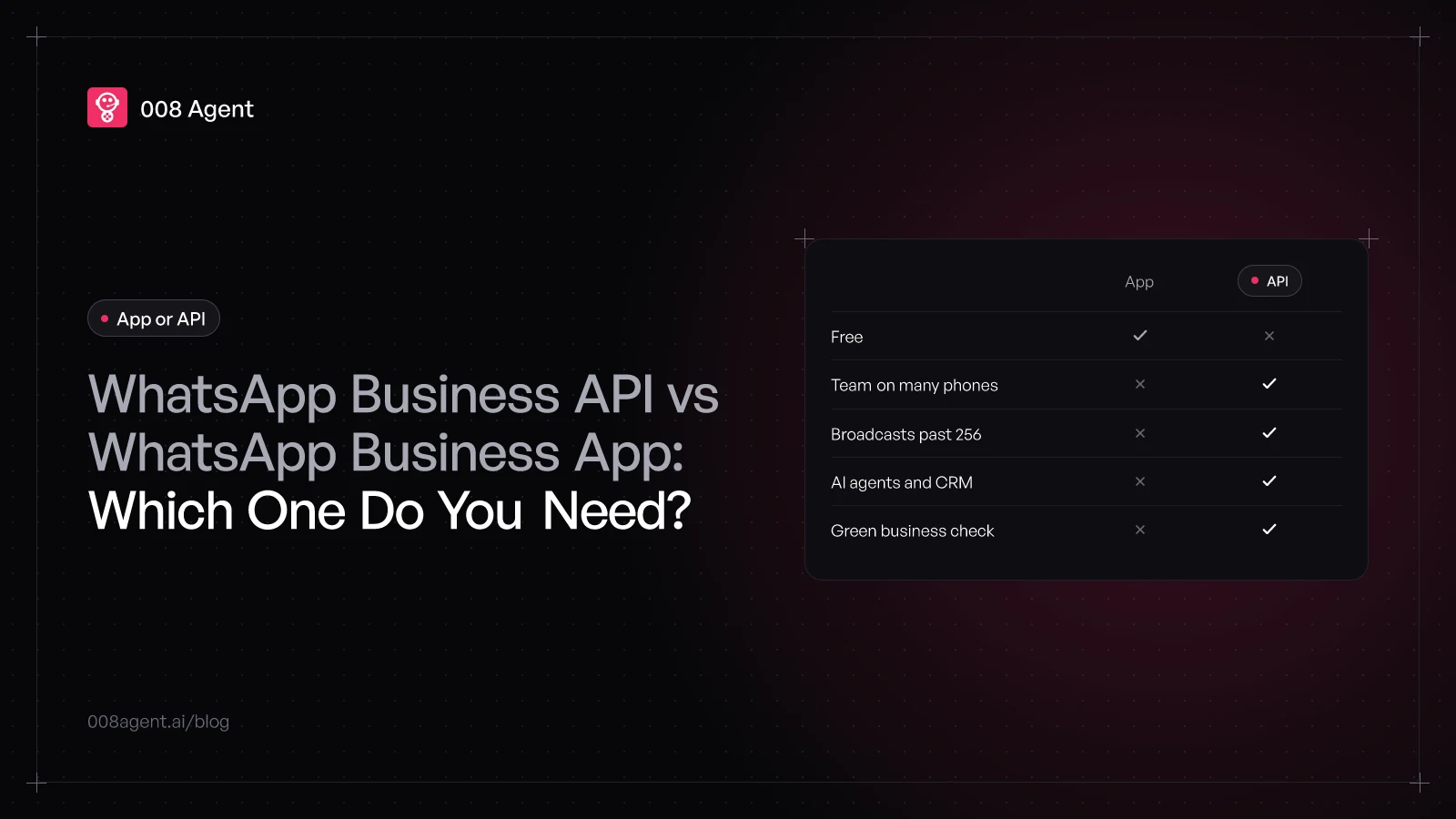
The App has ceilings that don't depend on you: one primary phone (with up to four linked devices), broadcast lists of 256 contacts, and automation limited to quick replies and away messages. The API removes those ceilings: the whole team replies from the same number, bulk sends have no cap with opt-in, and an AI agent can do the work.
- One phone
- 256 contacts per list
- Quick replies
- Your whole team
- No cap, with opt-in
- AI agents
Official App vs Platform limits, October 2026.
The 24-hour window rule
With the API, messaging a customer first requires a template approved by Meta (marketing, utility, or authentication). If the customer replies, a 24-hour window of free-form conversation opens. The App also works with windows, but without templates or category control: just the natural flow of chat.
- TemplateApproved by Meta
- Opens the window24 hours
- Free conversationNo templates
Outside the window, the API can only write with approved templates. Every delivered template is billed per message by country and category; since October 1, 2026, service messages inside the window are charged too.
Quick comparison
Criterion | App | API (Platform) |
Cost | Free | Meta messaging + software |
Team | 1 phone, 4 devices | Unlimited |
Broadcast | 256 per list | No cap with opt-in |
Automation | Quick replies | AI agents and flows |
CRM and integrations | None | Yes, via API |
Verification (green tick) | No | Yes, with business verification |
When to move from App to API
The team no longer fits on one phone: more than one person needs to reply.
Broadcast lists fall short: 256 contacts no longer cover your campaigns.
You want real automation: AI agents that resolve without a person behind.
You need WhatsApp to talk to your CRM, calendar, or ordering system.
If a single one of those signals sounds familiar, the App is already too small. One practical detail: a number can't be on the App and the API at the same time, and migration requires Meta business verification. Worth doing with support.
How to make the jump without losing your number
Export your chat history and key contacts from the App.
Verify your business in Meta Business Manager (1-3 days).
Register the number on the Platform with a provider and approve the display name.
Migrate the number (the App profile for that number is lost) and test templates.
Frequently asked questions
Can I have the App and the API at the same time?
Not on the same number: a number lives in the App or on the Platform, never both. Many businesses keep the App on a secondary number during migration.
Does migrating lose my history?
The App's history doesn't carry over to the Platform. Export what matters before migrating; from then on, everything is logged in the new platform.
Is the API worth it for a small business?
If you handle fewer than 20 weekly conversations and one person answers, the App is enough. The moment an AI agent or a second teammate comes in, the Platform pays for itself.
The whole process takes three days to two weeks depending on the provider. With the Platform connected, the natural next step is putting an AI agent on replies: you can create your first one free or book a demo of 008 Engage and watch your number answering on its own within minutes. For the details of what each message costs, our per-message pricing guide explains it with real numbers.
You might also like
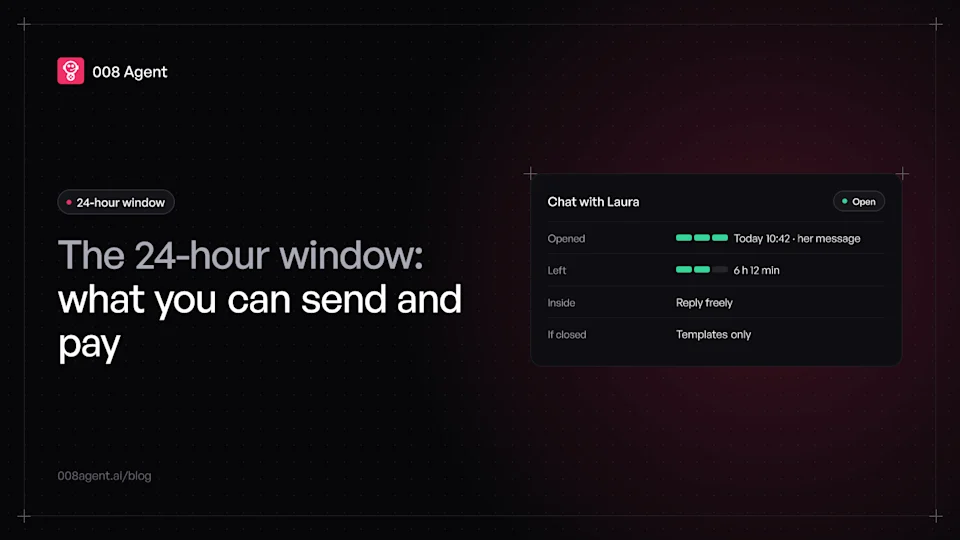
The WhatsApp Business 24-hour window: what it is and how it works
What the WhatsApp Business 24-hour window is: when it opens and resets, what you can send inside and outside, the October 2026 pricing changes and typical mistakes.
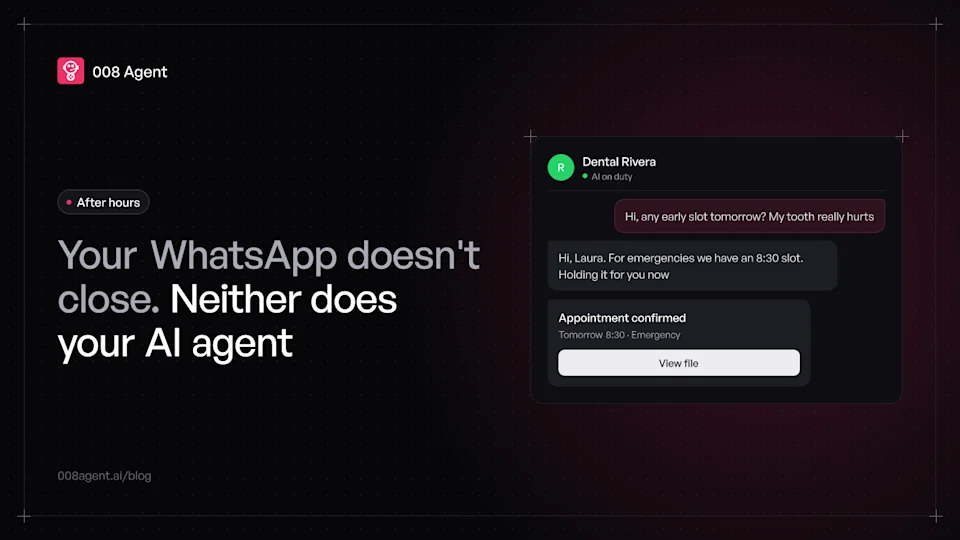
Answering WhatsApp after hours with AI: a practical guide
How to cover overnight WhatsApp with an AI agent: what customers expect, where the free app tools fall short, the 24-hour window and a five-step rollout.
WhatsApp Pipedrive integration: step-by-step guide and real cost
How to connect WhatsApp to Pipedrive: Meta requirements, the official Tools and apps flow, which plan includes it, the beta you must enable and the real cost in 2026.
Put an agent to the test.
Request a demo or talk to our agent on WhatsApp right now.