WhatsApp Pipedrive integration: step-by-step guide and real cost
How to connect WhatsApp to Pipedrive: Meta requirements, the official Tools and apps flow, which plan includes it, the beta you must enable and the real cost in 2026.
 008 teamNovember 18, 20265 min read
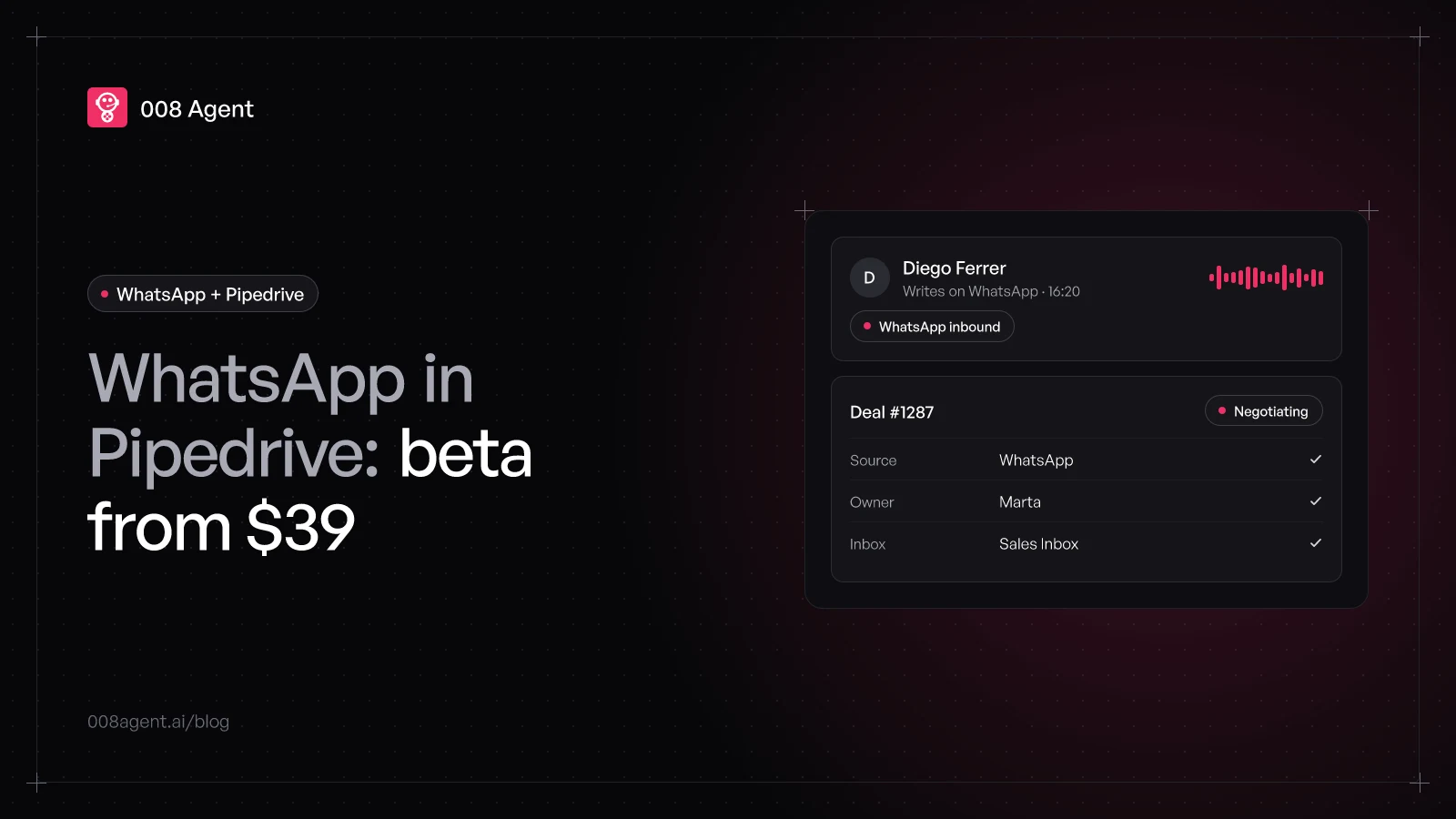
Pipedrive came late to WhatsApp and solved it its own way: a native integration, built by Pipedrive itself, with chats living inside the Sales Inbox and linked to your deals. It works well, but it ships with two conditions the pricing page doesn't mention: it only starts at the Growth plan, and it's still a beta you have to switch on by hand.
This guide pulls together the official flow, the requirements, the real 2026 cost and the details you'll notice on day one, so the integration doesn't stall on the part Pipedrive doesn't explain.
What you need before starting
Pipedrive's official help is blunt: the integration needs global admin permissions and four things on Meta's side:
A Facebook account.
A Meta Business Portfolio, or permission to create one.
A WhatsApp Business account.
A phone number for business use, or a personal one willing to convert.
If you've already wired WhatsApp onto another CRM, this will sound familiar: it's the same Meta checklist Zoho or Zendesk put you through. The difference shows up in how numbers get handed out, and we'll get there.
Which plan includes WhatsApp
Here Pipedrive feels closer to Zendesk than to Zoho: messaging isn't in the entry plan. Lite, at 14 USD per seat per month on annual billing, stays out. WhatsApp starts at Growth, which runs 39 USD, and continues in Premium (59 USD) and Ultimate (79 USD). Pipedrive public pricing, November 2026.
Watch the names: in 2025 Pipedrive renamed the whole ladder. Guides talking about Essential, Advanced, Professional or Enterprise describe plans that no longer sell: today it's Lite, Growth, Premium and Ultimate.
And the subscription doesn't include messages. Meta charges per business message on delivery, by category: marketing, utility, authentication or service. In the per-message pricing guide we break down the math.
The beta they don't mention
The second requirement isn't on any pricing table: the integration is still flagged as beta and doesn't show up on every account. If you open Tools and apps and there's no WhatsApp, your plan isn't the problem: the beta isn't enabled. The fix sits in Settings › Beta program, where an admin can switch it on.
The beta label also explains why the experience varies between accounts: features appear without notice, and support answers come with the usual caveat, it's a beta. For a channel carrying your sales, better to know before building your process on top.
The integration step by step
With the beta on and Meta's checklist done, the official flow is this:
- Step 1Turn on the betaIf WhatsApp isn't under Tools and apps, enable it in Settings › Beta program
- Step 2Tools and apps › WhatsAppOpen it and click Get started: the setup assistant launches
- Step 3Meta and portfolioFacebook account, Business Portfolio, WhatsApp Business account and number
- Step 4One number per repAssign numbers to users: each one handles their own in Sales Inbox
- Step 5Chats in the inboxConversations linked to deals and contacts, with templates and files
In words: open Tools and apps › WhatsApp and click Get started. The assistant checks your Facebook account, has you pick or create the Business Portfolio, connects the WhatsApp Business account and walks through permissions. At the end you assign numbers to users: each rep can have their own, and conversations show up in Sales Inbox › WhatsApp, plus in every deal and contact view.
That split, one number per rep, is Pipedrive's signature: instead of a shared number with assignment rules, everyone handles their own. Classic sales teams fit right in; shared support, less so.
Details you'll notice on day one
History starts at connection: chats from before the integration don't sync.
Up to 50 WhatsApp Business accounts per Pipedrive company, handy for regions or brands.
Coexistence with the app: the WhatsApp Business mobile app can share the same number. But what you send from Pipedrive doesn't show in the app; the other way around, it does.
Inside a conversation you get CRM-prefilled templates, files, audio, reactions and notifications.
Outside the 24-hour window, templates only, same as every other CRM.
What if I'm on Lite?
If 14 USD was the budget, the marketplace has third parties bringing WhatsApp to any plan, connecting by QR code with no Meta portfolio. They work, but they add another middleman to your conversations and another per-seat invoice. Add the jump to the 39 USD Growth plan and price out each path before deciding.
Giving it muscle with an AI agent
Once the channel is in, chats pile up in the rep's inbox. The integration ships templates, not judgment: the one replying, qualifying and updating the deal is still a person. An AI agent covers exactly that: it answers on the spot, asks what's missing and keeps the Pipedrive card updated without anyone copying by hand.
At 008, the Pipedrive connector comes pre-built: the agent conversations run on WhatsApp and sync contacts, notes and statuses both ways. The series continues: for helpdesk stacks, see integrating WhatsApp with Zendesk; for Zoho, integrating WhatsApp with Zoho CRM. To compare approaches, WhatsApp chatbot vs AI agent breaks it down message by message.
To see it on your own pipeline, create a free account or book a demo.
Frequently asked questions
Does Pipedrive's Lite plan include WhatsApp?
No. The native integration is available from the Growth plan, 39 USD per seat per month on annual billing. On Lite, only third-party marketplace apps bring it.
I open Tools and apps and there's no WhatsApp. Is it broken?
No: it's a beta that doesn't arrive enabled on every account. With admin permissions, switch it on in Settings › Beta program and check again.
Can I keep using my number on the WhatsApp Business app?
Yes, with the mobile app and coexistence enabled: incoming messages show in both. But what you send from Pipedrive doesn't appear in the app; the other way around, it does.
Do my old chats migrate?
No. History in Pipedrive starts the moment you connect; earlier messages stay where they were.
How many numbers can I connect?
Up to 50 WhatsApp Business accounts per Pipedrive company, each with its numbers. Each user handles one number.
You might also like
WhatsApp Zoho CRM integration: step-by-step guide and real cost
How to connect WhatsApp to Zoho CRM: Meta requirements, the official Business Messaging flow, which plan includes it, the credit cost and the real limits in 2026.
Low WhatsApp Business number quality: what it means and how to recover
What your WhatsApp number's quality rating measures, why it drops, how it hits your sending limits, and why monitoring sent volume is the missing security layer.
WhatsApp and n8n: automation for developers
Meta webhooks, the Cloud API node, the three traps that cost an afternoon, and when judgment should come from an agent with HTTP, catalog or MCP tools.
Put an agent to the test.
Request a demo or talk to our agent on WhatsApp right now.