The WhatsApp Business 24-hour window: what it is and how it works
What the WhatsApp Business 24-hour window is: when it opens and resets, what you can send inside and outside, the October 2026 pricing changes and typical mistakes.
 008 teamNovember 20, 20265 min read
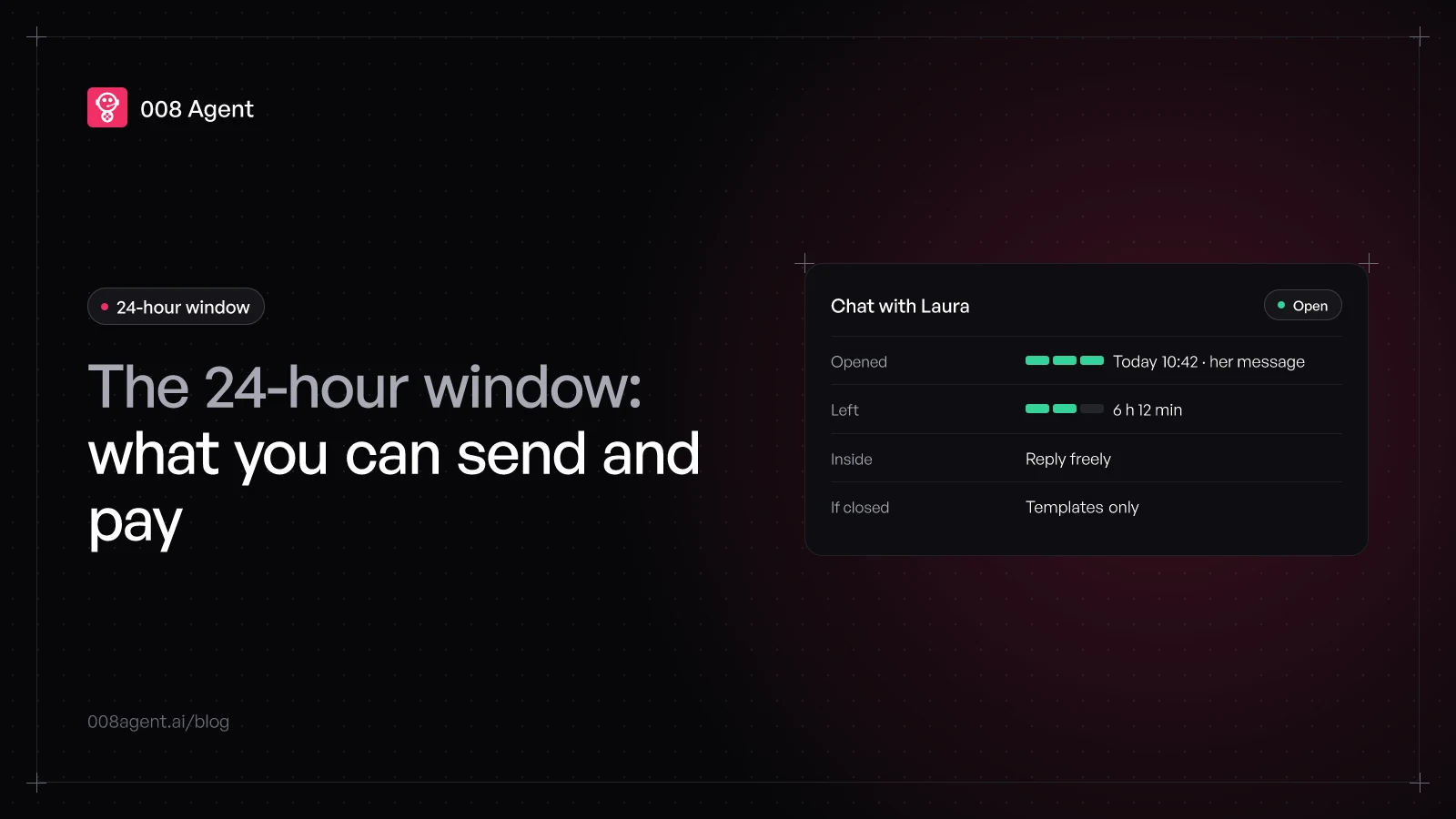
Every time a customer messages you on WhatsApp, an invisible 24-hour clock starts. While it runs, you can reply with anything; when it runs out, only Meta-approved templates remain. That's the 24-hour window, the single most important rule in WhatsApp Business and the one that causes the most confusion.
This guide explains it without fine print: what you can send inside and outside, what each thing costs after the October 2026 changes, and how to avoid letting a hot conversation die.
What it is exactly
The official definition is simple: when a WhatsApp user messages or calls you, a 24-hour customer service window opens. Inside it, you can send any message type without prior approval. If the user writes again before it expires, the clock resets: the window always counts from their latest message, not the first one.
When the window closes, the conversation isn't blocked: it switches regimes. You can only send message templates, pre-defined texts Meta reviews and approves, in one of three categories: marketing, utility or authentication.
- Step 1The customer writesA customer message or call starts the 24-hour clock
- Step 2Window openYou reply freely: text, audio, files, buttons, no prior approval
- Step 3Every message resets itIf the customer writes again, the clock goes back to 24 hours from zero
- Step 4The window closes24 hours without customer messages and only templates can go out
- Step 5Reopen with a templateAn approved template reaches the customer again and their reply reopens the window
One detail confuses everyone: your messages don't open the window. Only the customer's do. That's why a business can't write first to whomever it likes: starting the conversation takes a template and the recipient's permission.
Inside the window: reply freely
With the window open you can send text, audio, images, video, documents, locations, contacts, reply buttons, lists and flows. No review queue, no approval: you reply as in a normal chat, with the caveat that coupons and carousels always require approval.
Outside the window: templates only
Past the 24 hours, the only route is an approved template. Marketing ones are the priciest; utility ones, for confirmations and reminders, cost far less; authentication ones carry access codes. All are billed per delivered message, at rates depending on category and the recipient's country. In the per-message pricing guide we break down the numbers.
And one key detail: if the customer replies to your template, the window reopens. The template is the key; the conversation that follows is free-form again.
What changed in 2026
For years the window was WhatsApp's free zone: replying inside cost nothing. That ended. Since October 1, 2026, Meta also charges service messages, the free-form replies inside the window, with an allowance of 1,000 free per month per number; beyond that, every reply bills at the country's service rate.
The other news cuts the other way: the free window for ad-opened chats. If a customer messages you from a click to WhatsApp ad and you reply within 24 hours, everything you send that conversation is free. That free window went from 72 hours to up to 7 days on September 28, 2026.
The takeaway: the window no longer separates free from paid, but flexible from rigid. Inside, you reply however you like; outside, in fixed formats. Cost depends on category and where the conversation came from.
The reset trick
Since the clock resets with every customer message, a live conversation never runs out of window. Each question buys you another 24 hours; the danger is silence: if a customer asks at 10 p.m. and nobody answers until 10 the next morning, the window is still open, but past 24 hours you'll need a template just to reply.
That's why response time matters so much: answering fast isn't just good manners, it's what keeps the conversation in the free-form regime. It's the argument of answering WhatsApp after hours with AI: an agent replying at 11:47 p.m. keeps the window open and the conversation warm until your team clocks in.
Typical mistakes
Letting the window pass and trying to reply next day with a normal message: the platform rejects it and a template is due.
Counting the 24 hours from the first message: they count from the customer's last one.
Using marketing templates to reopen support conversations: they cost several times a utility one.
Forgetting approval: templates are created in advance, with days of margin, not when you already need them.
How an AI agent plays it
An AI agent plays this game better than a mailbox: it replies on the spot, inside the window, while the customer keeps it open with new messages. And when a cold conversation needs reopening, it uses the right template, utility for a follow-up, not marketing. At 008, in-window volume is additionally paced with conservative caps and quality monitoring, which protects the number's rating; the bulk messages guide has the detail.
To see it on your own conversations, create a free account or book a demo.
Frequently asked questions
Does the window exist in the free WhatsApp Business app?
The window rules the platform, the API businesses and tools run on at scale. With the free app you chat like on normal WhatsApp; once you build on the platform, the clock runs.
Do my messages open the window?
No. Only the customer's messages or calls open and reset it. To write first you need an approved template.
How much does replying inside the window cost?
Since October 1, 2026, the first 1,000 service messages per month per number are free; beyond that, every reply bills at the customer's country service rate.
What if the customer answers my template?
A fresh 24-hour window opens and you're back to the free-form regime. The template is just the entry ticket.
Is the ad window this same one?
No. Click to WhatsApp ads open the normal 24-hour window and, if you reply in time, add a separate free window that since September 28, 2026 lasts up to 7 days. Two different clocks.
You might also like
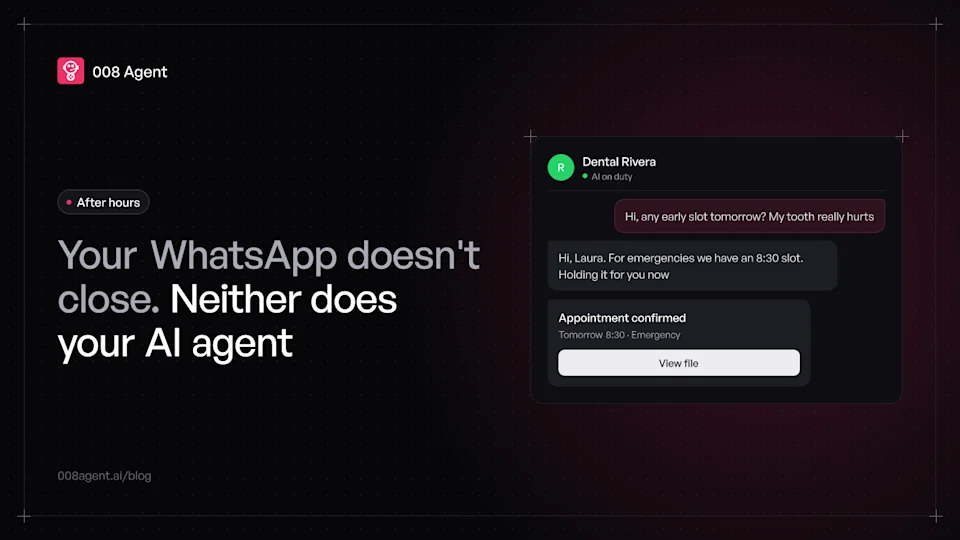
Answering WhatsApp after hours with AI: a practical guide
How to cover overnight WhatsApp with an AI agent: what customers expect, where the free app tools fall short, the 24-hour window and a five-step rollout.
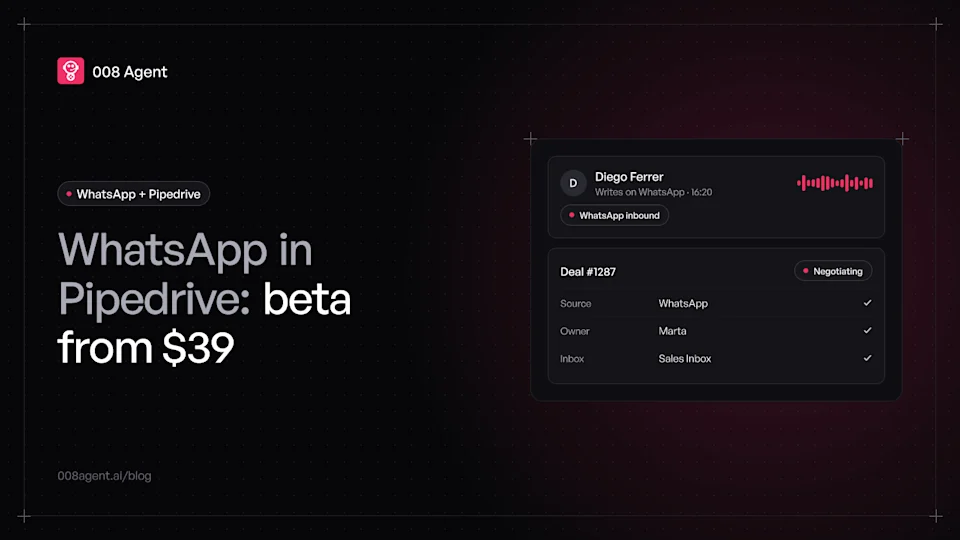
WhatsApp Pipedrive integration: step-by-step guide and real cost
How to connect WhatsApp to Pipedrive: Meta requirements, the official Tools and apps flow, which plan includes it, the beta you must enable and the real cost in 2026.
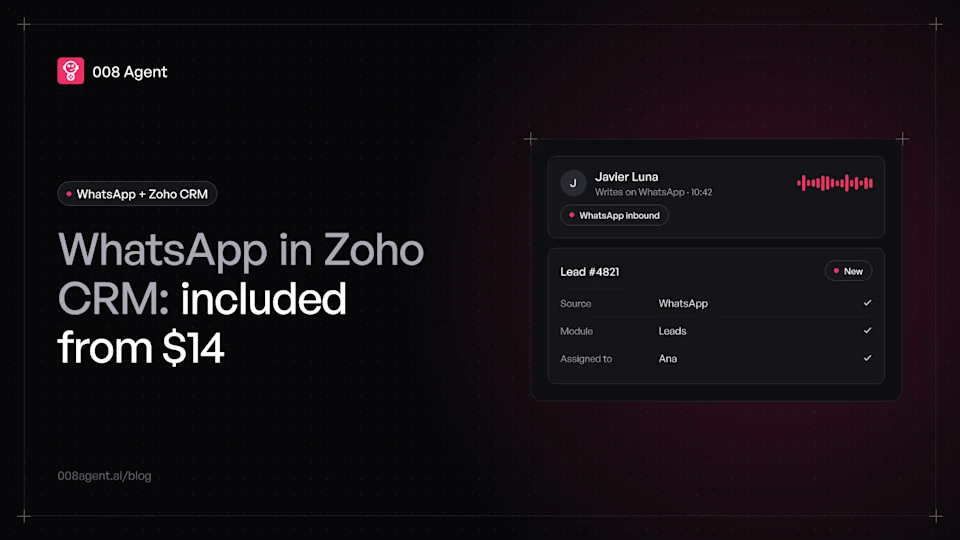
WhatsApp Zoho CRM integration: step-by-step guide and real cost
How to connect WhatsApp to Zoho CRM: Meta requirements, the official Business Messaging flow, which plan includes it, the credit cost and the real limits in 2026.
Put an agent to the test.
Request a demo or talk to our agent on WhatsApp right now.