WhatsApp Salesforce Integration: Step-by-Step Guide and Real Cost
How to connect WhatsApp to Salesforce: the messaging add-on, Meta's requirements, the official setup flow, and the real per-message cost in 2026.
 008 teamNovember 23, 20263 min read
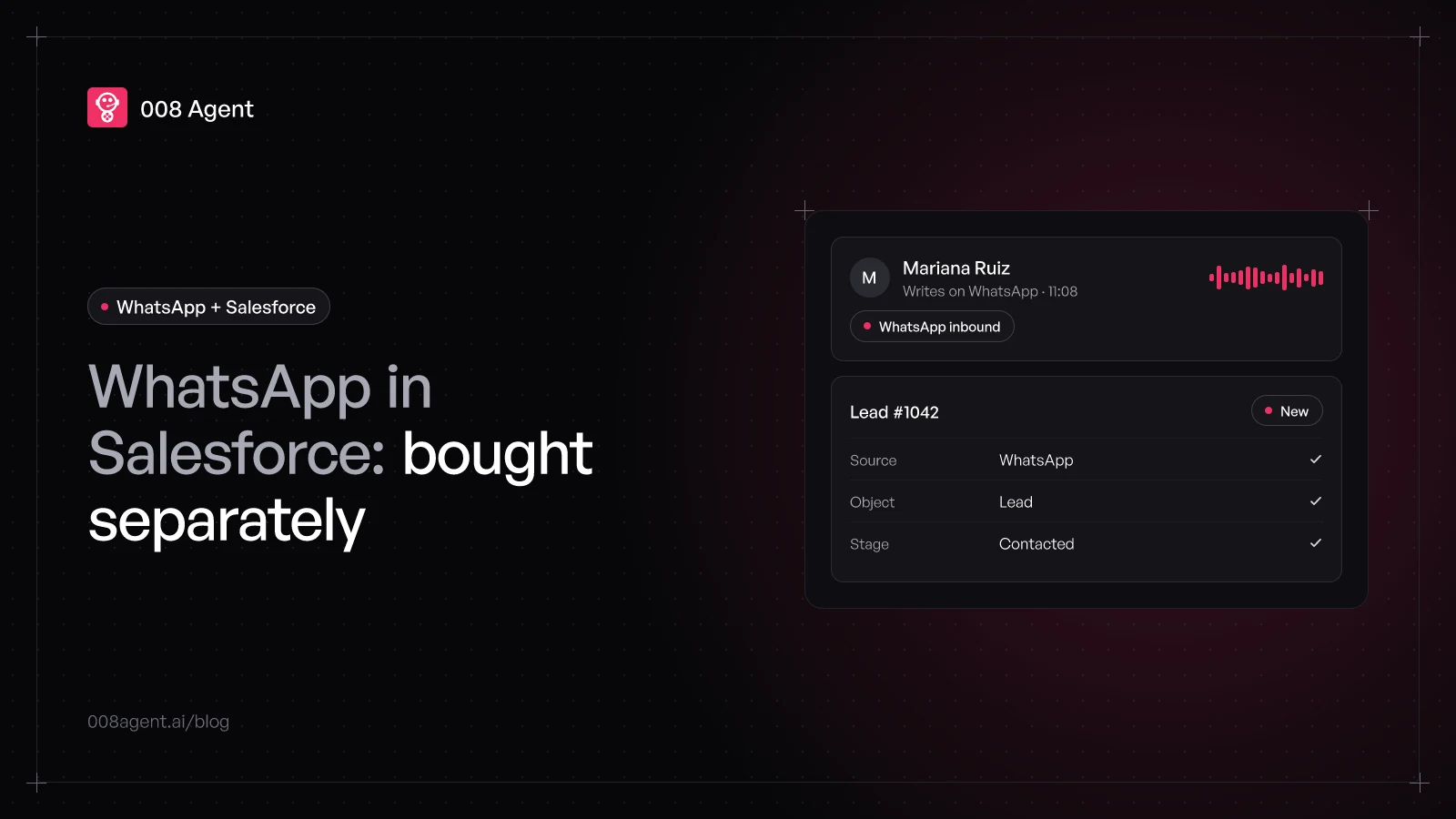
Among the big suites, Salesforce asks for the most steps to get WhatsApp inside. It does not ship with your plan: you buy it separately. And that loose piece is what complicates everything.
This guide covers the official path: what you buy, what Meta approves, how the chat looks inside the CRM, and what each message costs. Coming from our Zoho CRM analysis? Same map, different terrain.
What you need before starting
The official route goes through Salesforce messaging and through Meta. The exact list:
A Salesforce plan with messaging enabled: it is an add-on, not part of the core.
The WhatsApp app approved in Meta for Developers, with the business verified.
A dedicated phone number, not one already on the WhatsApp Business app.
CRM administrator permissions to activate the channel.
Without those four, the setup assistant will not start.
Which plan includes WhatsApp
Here is the difference with other suites: in Salesforce, WhatsApp messaging is purchased as an add-on, separate from your subscription, billed per user who uses it. The channel price depends on your contract; the message price depends on Meta.
And the add-on does not cover messages. Meta charges for every business conversation. Since October 1, 2026, service messages are billed per delivered message, same as utility templates.
The CRM organizes. Meta charges. Two different bills, and you should know how to read both.
The integration, step by step
With requirements in place, the official flow is this:
Enable messaging in Setup and select WhatsApp as the channel.
Connect the Meta app: credentials, number and business verification.
Define routing: queues, hours and agents.
Set up approved templates to write outside the 24-hour window.
The result: chats show up in the agent console, next to cases and leads. Every conversation links to the customer record.
Where it falls short
The official integration connects the channel. It does not answer for you.
After hours, the customer waits.
Templates are approved one by one.
Customer context is opened by hand on every case.
An autonomous channel, not another inbox
Connecting the channel was the easy half of the problem. The other half is who answers. That is where 008 Engage changes the approach: it does not add another inbox to your day, the agent carries each conversation end to end.
The prebuilt Salesforce integration generates the agent's tools from the CRM specification, with nothing reprocessed. Salesforce remains your system of record.
It answers, qualifies and closes in seconds, at any hour, with your business knowledge base.
Every conversation creates or updates the right record: lead, contact or case.
When a case needs a person, the handoff delivers the complete file in Salesforce. Your team picks it up where they already work.
If no human is needed, none is interrupted: the agent resolves it.
All with usage-based pricing, no per-user licenses and no per-channel add-ons. Automation where it helps. People where they add value.
Want to see it with your own cases? Book a demo. Fifteen minutes and the whole team stops wondering.
You might also like
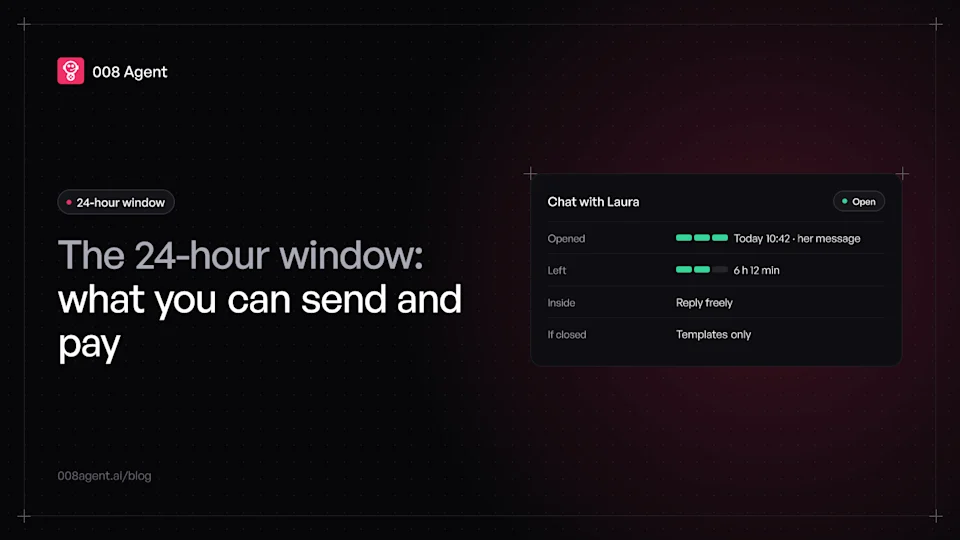
The WhatsApp Business 24-hour window: what it is and how it works
What the WhatsApp Business 24-hour window is: when it opens and resets, what you can send inside and outside, the October 2026 pricing changes and typical mistakes.
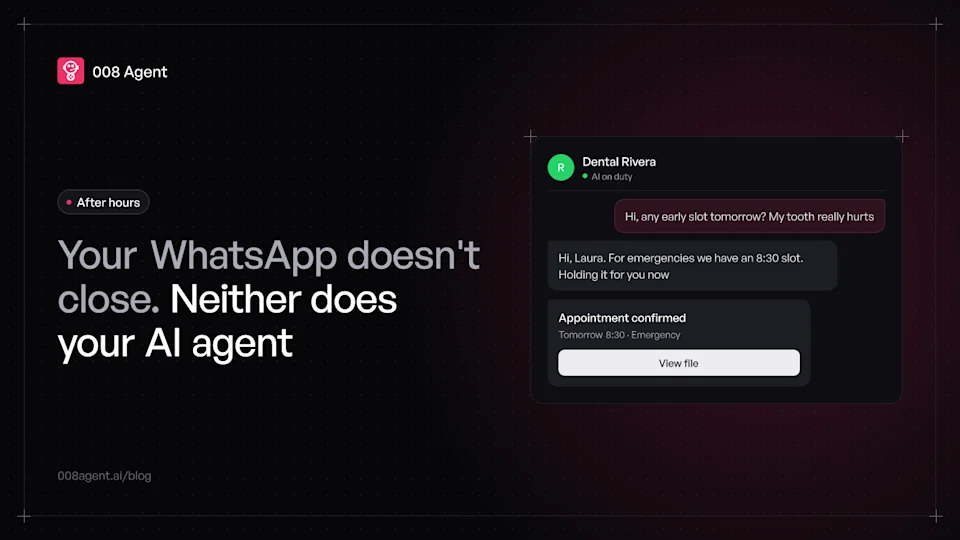
Answering WhatsApp after hours with AI: a practical guide
How to cover overnight WhatsApp with an AI agent: what customers expect, where the free app tools fall short, the 24-hour window and a five-step rollout.
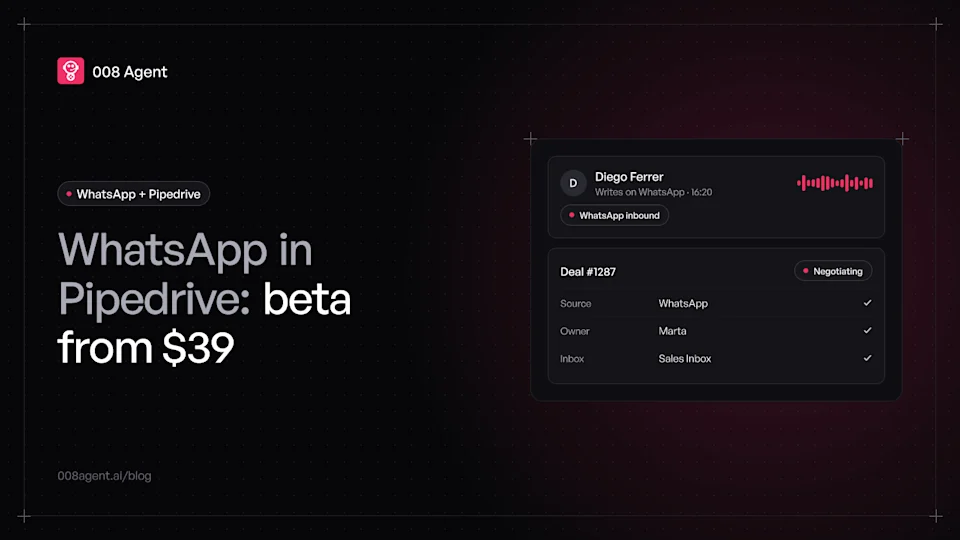
WhatsApp Pipedrive integration: step-by-step guide and real cost
How to connect WhatsApp to Pipedrive: Meta requirements, the official Tools and apps flow, which plan includes it, the beta you must enable and the real cost in 2026.
Put an agent to the test.
Request a demo or talk to our agent on WhatsApp right now.