

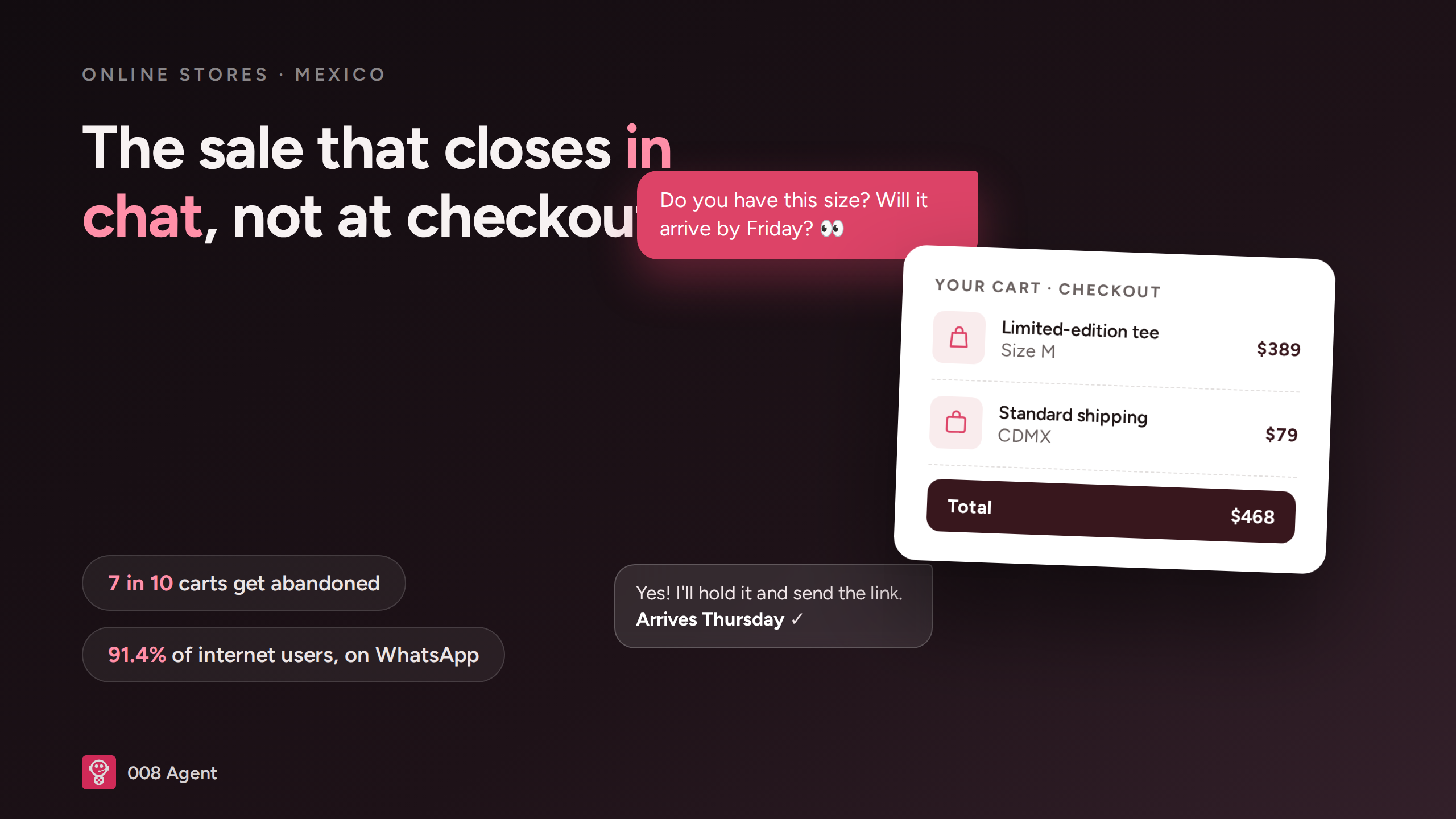
WhatsApp for online stores in Mexico: close the sale in chat
October 21, 2026
E-commerce in Mexico keeps accelerating: it closed 2025 at 941 billion pesos, up 19.2 % year over year, with 77.2 million people shopping online (AMVO, Estudio de Venta Online 2026). Yet most stores miss the channel where much of that buying actually happens: WhatsApp. 91.4 % of Mexican internet users are on the app (GWI · DataReportal, Q2 2025), and before paying they want to ask about sizes, shipping costs or whether the store can be trusted. If nobody answers, they don't buy — they move to the store that did reply. This guide shows you how to set up WhatsApp as a sales channel for your online store, with concrete steps for Mexico. And if you want to start today, you can create your WhatsApp AI agent in minutes.
Why your store needs WhatsApp (not just a form)
In Mexico, messaging is the default channel: WhatsApp is the country's most used messaging app (INEGI), and customers expect that fast, casual, personal treatment. A contact form takes days; an email gets buried; a phone call, nobody wants to make it. Chat resolves in minutes and leaves something more valuable behind: the conversation stays saved. Customers return to the same thread to track an order, ask for another size, or buy again. For an online store, every thread is a mini purchase file.
The abandoned cart can be recovered
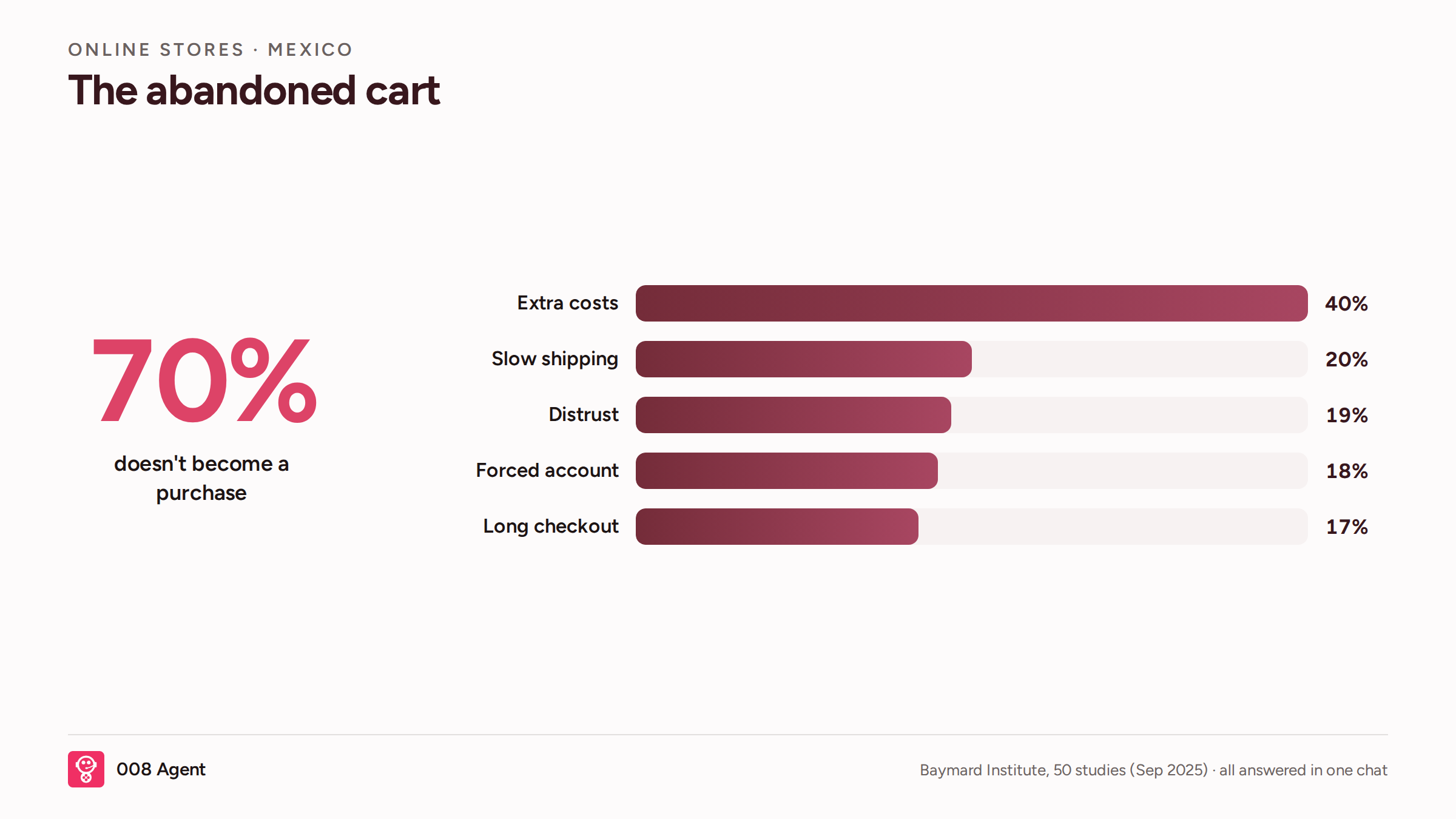
The Baymard Institute has tracked cart abandonment in e-commerce for 14 years: on average, 70 % of carts never become a purchase. The main causes are well documented — and every one of them is answered better in a chat than in a checkout screen.
Cause of abandonment | Cited by | How chat solves it |
Extra costs at the end | 40 % | Full quote including shipping, before paying |
Slow delivery | 20 % | Real delivery date, no vague promises |
Distrust when paying | 19 % | Personal treatment and receipt in the same thread |
Forced account creation | 18 % | Complete purchase from chat, no signup |
Long checkout | 17 % | One-tap payment link |
The whole journey in one chat
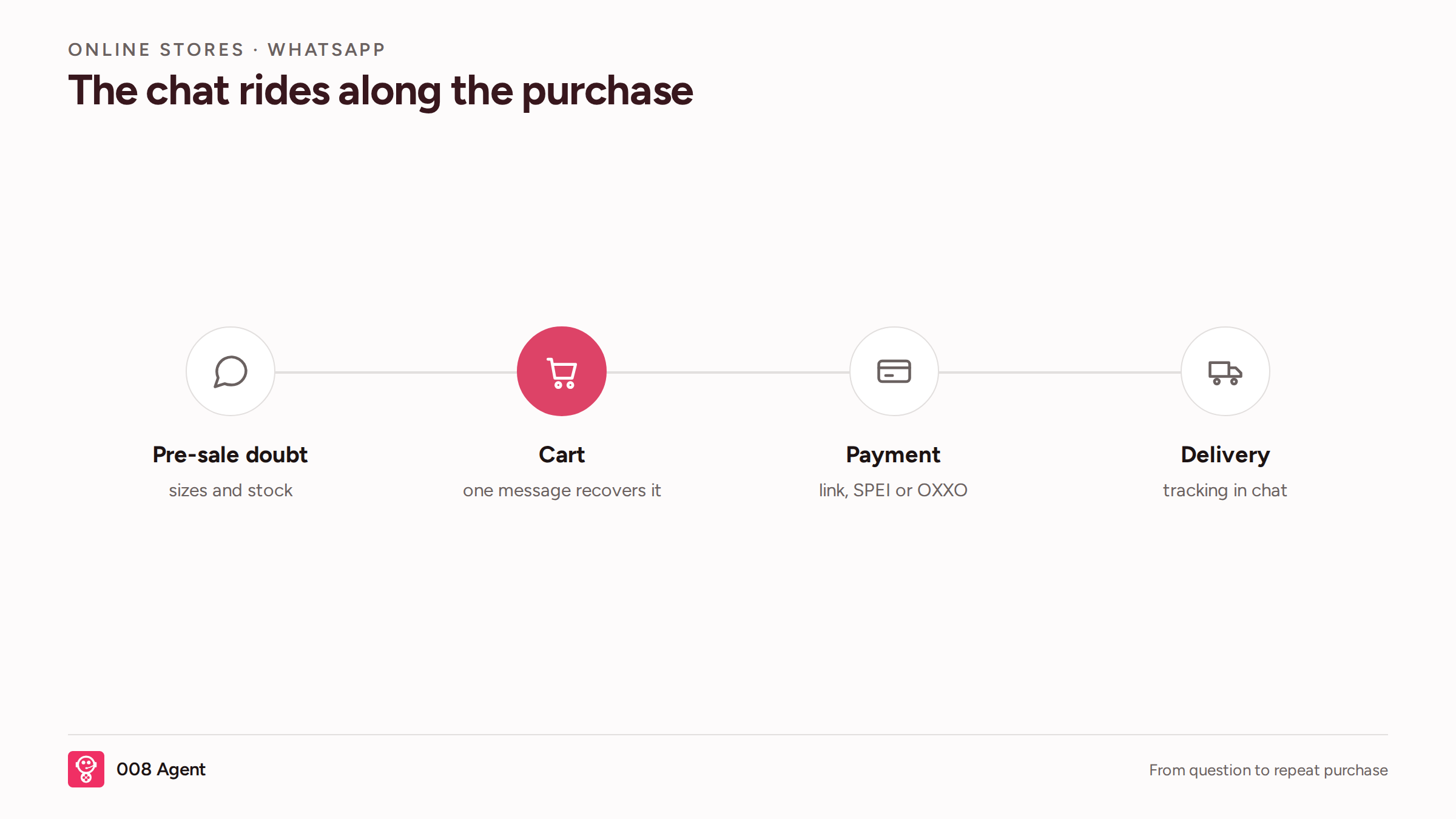
An online sale doesn't end at payment: it starts earlier and continues after. On WhatsApp you can cover the entire journey: pre-sale questions (sizes, colors, stock), cart recovery with a well-timed message, payment through a link that takes card, SPEI transfer or cash at OXXO — key in a market where cash still matters — and delivery with tracking right in the same thread. The customer doesn't reopen your website; they open their chat.
How to set it up, step by step
Get a dedicated number on the WhatsApp Business Platform. Don't use your personal number: your store needs its own, with a business name and profile.
Connect your catalog. The agent should check prices, variants and live stock — not answer from memory.
Capture opt-in at checkout and on your socials: let the customer message you first or tick the notifications box. Without consent, no campaign survives.
Let an AI agent answer 24/7. With
you deploy one that answers catalog questions, recovers carts and escalates to your team when needed.
Measure what matters: first-response time, recovered carts, and average ticket from chat versus web.
What to automate and what to keep human
Automate the repetitive: stock and sizing, quotes with shipping, cart reminders, payment confirmations, shipping notices and win-back messages. Keep humans on what plays with reputation: damaged-package claims, frequent customers, special discounts and any conversation that gets emotional. The practical rule: the machine answers and sells the predictable; a person steps in when judgment is required.
Common mistakes (and how to avoid them)
Answering late. A purchase question cools down in minutes; if your first reply takes hours, the sale already belongs to someone else.
Messaging without opt-in. Buying contact lists and bulk-messaging is the fastest way to get your number reported. Always ask for permission.
Burning messages. Since October 2026 Meta charges per delivered message for service too: consolidate replies and don't send five messages where one fits.
Ignoring post-sale. A large share of an online customer's value sits in their second purchase; chat is the best place to earn it.
If you're coming from customer support, this WhatsApp AI customer service guide complements this one.
Frequently asked questions
Can I use the number my store already has?
Yes. A dedicated business number is recommended, but if your store already answers on WhatsApp you can migrate it to the Business Platform without losing your chats.
Can the customer pay inside WhatsApp?
With a payment link, yes: the customer picks card, SPEI or cash at OXXO from the same chat, and you get instant confirmation.
What if hundreds of customers message me during Buen Fin or Hot Sale?
That's exactly what an AI agent is for: it replies to everyone at once, at any hour, and escalates only the conversations that need your team.
How much does it cost to run?
Two parts: Meta charges per delivered message by country and category (public Platform rates), and the AI agent is usage-based: at 008, from 0.03 USD per minute with voice and model included. See the details on the pricing page.
Start today
Your store already competes on price, catalog and shipping. The next edge is the conversation: whoever answers first and best, sells. If you want to try it, create your agent for online stores and have your WhatsApp selling this same week. And if you'd rather see it with someone from the team, book a demo.
Written by

008 Agent
The best AI Agent
Tags
AI Agents
¡Suscríbete a nuestra NL!
By submitting, you agree to receive emails from 008. Check our privacy policy for details. Read policies.
You might also like...
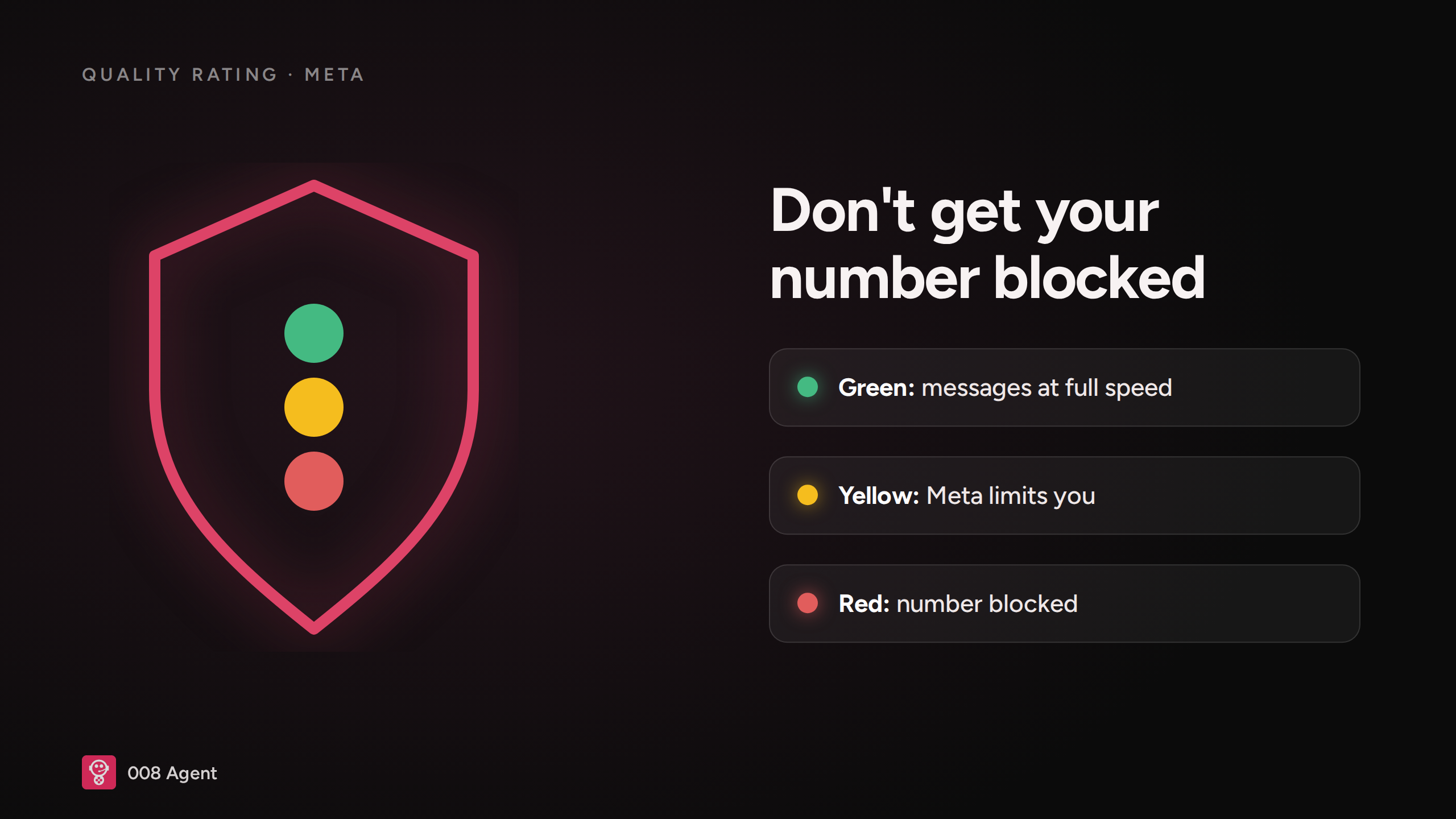
How to Avoid Getting Your WhatsApp Number Blocked (2026)
October 19, 2026

How to Automate WhatsApp Sales: The Full Playbook (2026)
October 19, 2026
WhatsApp Business API vs WhatsApp Business App: Which One Do You Need? (2026)
October 16, 2026
WhatsApp AI Agent and the Price per Conversation (2026)
October 14, 2026